
As a Shopify expert, I often work with high-growth merchants who have mastered their domestic market but feel intimidated by the complexity of international expansion. For years, selling globally meant managing multiple expansion stores, duplicating inventory, and struggling with inconsistent data across different regions. This fragmentation often led to operational headaches and a disjointed customer experience.
Today, Shopify Markets has fundamentally changed this landscape. It is no longer a question of whether you can sell globally, but how efficiently you can do it. Merchants are seeking a way to reach customers in London, Paris, and Tokyo with the same ease they reach customers in New York. They want localized pricing, duties calculated at checkout, and translated content without the overhead of ten different Shopify logins.
By leveraging Shopify Markets, you can transform your commerce engine into a global-ready platform. Here are the primary advantages of utilizing this centralized system:
- Launch into new territories in days rather than months.
- Manage all international sales from a single Shopify admin dashboard.
- Increase conversion rates by offering local currencies and payment methods.
- Improve customer trust by providing transparent duty and tax calculations.
- Optimize your search engine presence with localized subfolders or domains.
Understanding the Core of Shopify Markets
Shopify Markets is a unified global commerce tool that allows you to identify, set up, and manage international markets from a single store. Instead of the old model of expansion stores, which required separate themes and apps for every region, Shopify Markets uses a centralized logic. It utilizes a Markets API and Catalog API to handle regional rules for pricing, taxes, and inventory.
For most businesses, the single-store approach provided by Shopify Markets is the superior choice. It ensures that your inventory levels remain synchronized and your brand remains consistent. While expansion stores are still relevant for massive corporations requiring total autonomy for regional teams, Shopify Markets provides the scalability most high-growth brands need without the technical debt.

Key Features for Global Success
To succeed globally, you must move beyond simply "shipping internationally." You need to offer a localized experience. Shopify Markets provides several tools to achieve this level of sophistication.
Local Currencies and Pricing
When customers see prices in their native currency, they are significantly more likely to complete a purchase. Shopify Markets allows you to enable over 130 currencies. If you are using Shopify Payments, the platform handles the conversion automatically based on real-time exchange rates. You also have the power to set manual exchange rates or adjust prices by a percentage for specific markets to account for higher shipping costs or regional market positioning.
Duties and Import Taxes
One of the biggest hurdles in international e-commerce is the "hidden cost" of duties. Nothing kills brand loyalty faster than a customer receiving a bill from a courier before they can collect their package. Shopify Markets allows you to calculate and collect duties and import taxes at checkout. This transparency ensures a smooth delivery experience and reduces the number of refused packages.
Language Translation
Localization goes beyond currency. Speaking the customer's language is vital. Through integrations with translation apps and Shopify's own Translate & Adapt app, you can offer your storefront in multiple languages. This content is served on specific URLs, ensuring that your SEO efforts are rewarded in local search results.
A Step-By-Step Guide to Setting Up Your First Market
Transitioning to a global model requires a structured approach. Follow these steps to begin your expansion journey.
Step 1: Enable Shopify Markets
Navigate to your Shopify Admin and click on Settings, then select Markets. By default, you will see your primary market (the country where your business is based). You will also likely see an "International" market that is inactive by default.
Step 2: Add a New Market
Click on the Add Market button. Give your market a name, such as "European Union" or "United Kingdom." Select the specific countries you wish to include in this market. You can group countries together if they share the same pricing and shipping strategies, which simplifies management.
Step 3: Configure Your Domain Strategy
Decide how you want your store to appear to international users. You have three main options:
- Subfolders: For example, xco.agency/en-gb. This is often the best for SEO as it consolidates your domain authority.
- Subdomains: For example, uk.xco.agency.
- Top-level domains: For example, xco.co.uk. This provides the most local feel but requires managing multiple domains.
Ensure your domain is perfectly set up for maximum impact to avoid any technical SEO issues during this transition. You can learn more about this in our guide on how to perfectly set up your domain for maximum impact.
Step 4: Set Product Availability
Not every product is suitable for every market. Use the Manage availability section in your product admin to show or hide specific items. This is crucial if you have licensing restrictions or if certain products are too heavy to ship economically to specific regions.

Strategic Advise for High-Growth Merchants
Expanding globally is not just a technical task: it is a strategic one. As an expert in e-commerce development, I suggest starting with markets that show existing organic interest. Check your Google Analytics or Shopify reports to see where your non-converting traffic is coming from. If you see a high volume of visitors from Australia but zero sales, that is a prime candidate for a dedicated Shopify Market.
Optimizing the Storefront Experience
To truly resonate with global audiences, you should customize the storefront for each market. Shopify's theme editor now includes a market selector. This allows you to change banners, featured collections, or even specific promotional text for different regions.
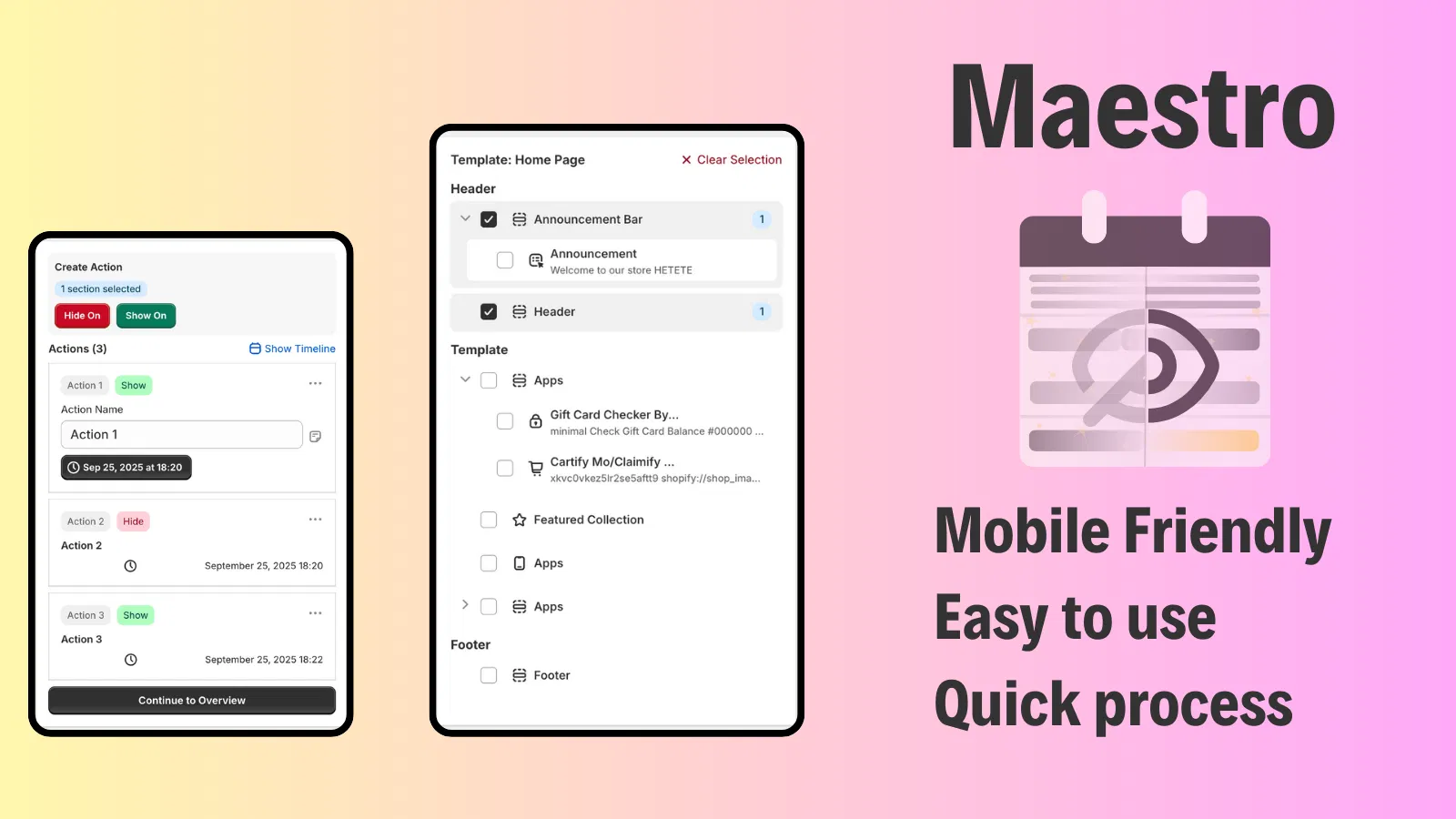
For example, while your US market is seeing a "Summer Sale" banner, your Australian market could be seeing "Winter Essentials." Managing these changes manually can become overwhelming as you add more markets. This is where automation becomes a competitive advantage. Using tools like the Maestro Theme Scheduler allows you to schedule these theme changes in advance, ensuring your global promotions go live at exactly the right time in each time zone.
Advanced Global Operations with XCO Agency Tools
At XCO Agency, we specialize in helping Shopify Plus merchants automate their workflows. When you are operating in multiple markets, the manual workload increases exponentially. Our suite of apps is designed to handle this complexity.
Automating Product and Price Changes
When you have 50 markets, updating a price or a product tag across all of them is a recipe for error. The Product Maestro Scheduler allows you to automate these updates. Whether you are launching a new collection globally or adjusting inventory levels for a holiday sale in Europe, you can schedule these actions to happen automatically. This ensures consistency across all your Shopify Markets without requiring your team to work around the clock.
Handling International Returns and Claims
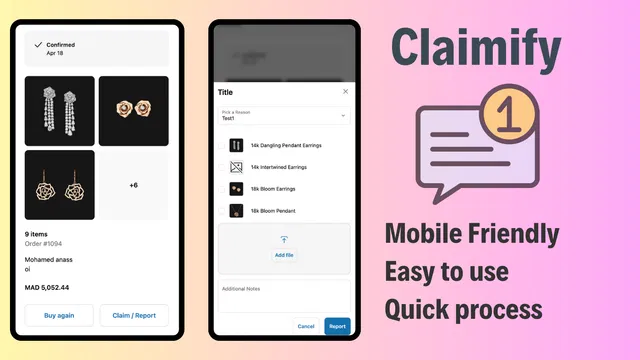
Global expansion often leads to an increase in customer support inquiries and claims. Managing these across different languages and time zones can be difficult. Claimify provides a streamlined, mobile-friendly interface for customers to submit claims for damaged or missing items. By providing a professional, easy-to-use claims portal, you maintain brand authenticity and reduce the burden on your support team.
Final Considerations for Global Growth
Success in international e-commerce requires attention to detail. Beyond the major settings, consider the smaller elements that build trust with a local audience.
- Custom Fonts: Ensure your branding remains consistent across languages. If you need to add specific character sets, you might need to add a custom font to your store.
- Legal Compliance: Many regions, especially the EU, have strict requirements for terms and conditions. Consider showing an I agree with terms & conditions checkbox on your cart page to stay compliant.
- Trust Signals: Use a testimonial carousel featuring reviews from customers in that specific market to build social proof.
Scaling with Confidence
Shopify Markets is a powerful tool that levels the playing field for merchants of all sizes. It removes the technical barriers to entry and allows you to focus on what matters most: your product and your customers. By centralizing your operations, you gain a clear view of your global performance, allowing you to make data-driven decisions about where to invest next.
Expanding globally is a vital step for any brand looking to achieve long-term growth. While the process involves many moving parts, from SEO and domain setup to localized scheduling and claims management, Shopify provides the foundation you need. Taking a proactive step today to configure your markets will position your business to capture a share of the rapidly growing global e-commerce market.
If you are ready to take your Shopify store to the global stage but want expert guidance on configuration, automation, or custom development, XCO Agency is here to help. Our team of experts can help you implement a seamless Shopify Markets strategy and integrate the right automation tools to ensure your expansion is both profitable and sustainable. Reach out to us today to schedule a consultation and let us power up your global growth.