
As a Shopify expert, I often work with merchants who feel like they are tethered to their computers. Whether it is a midnight product launch, a Black Friday sale starting at 4:00 AM, or a seasonal banner that needs to come down precisely when a promotion ends, the manual labor involved in e-commerce maintenance can be exhausting. Many store owners are seeking a way to reclaim their time without sacrificing the agility of their storefront.
This is where the Maestro Theme Scheduler becomes a vital tool for your tech stack. It is not just about changing a theme; it is about orchestrating a dynamic shopping experience that reacts to your marketing calendar automatically. For those invested in custom Shopify themes and high-level Shopify Plus development, this app represents the transition from manual updates to true automation.
Why E-commerce Automation is No Longer Optional
In the modern digital landscape, timing is everything. A delay of even thirty minutes in updating your promotional banners can lead to customer confusion and lost revenue. Merchants are seeking solutions that offer:
- Precision Timing: Ensuring that sales live and die exactly when the marketing materials say they will.
- Operational Efficiency: Freeing up your development and marketing teams to focus on strategy rather than clicking "Publish" at odd hours.
- Consistency Across Channels: Matching your storefront content with your email marketing and social media pushes.
- Reduced Human Error: Eliminating the risk of someone forgetting to revert a theme or hide a discounted collection after a flash sale.
By leveraging Maestro Theme Scheduler, you shift your focus from "doing" to "overseeing."
Automating Custom Shopify Themes with Ease
When we handle Shopify Plus development at XCO Agency, we often build complex, highly customized themes. Traditionally, managing these themes required a strict manual protocol. If you wanted to run a different layout for a holiday weekend, you had to duplicate the theme, make changes, and then manually publish it.

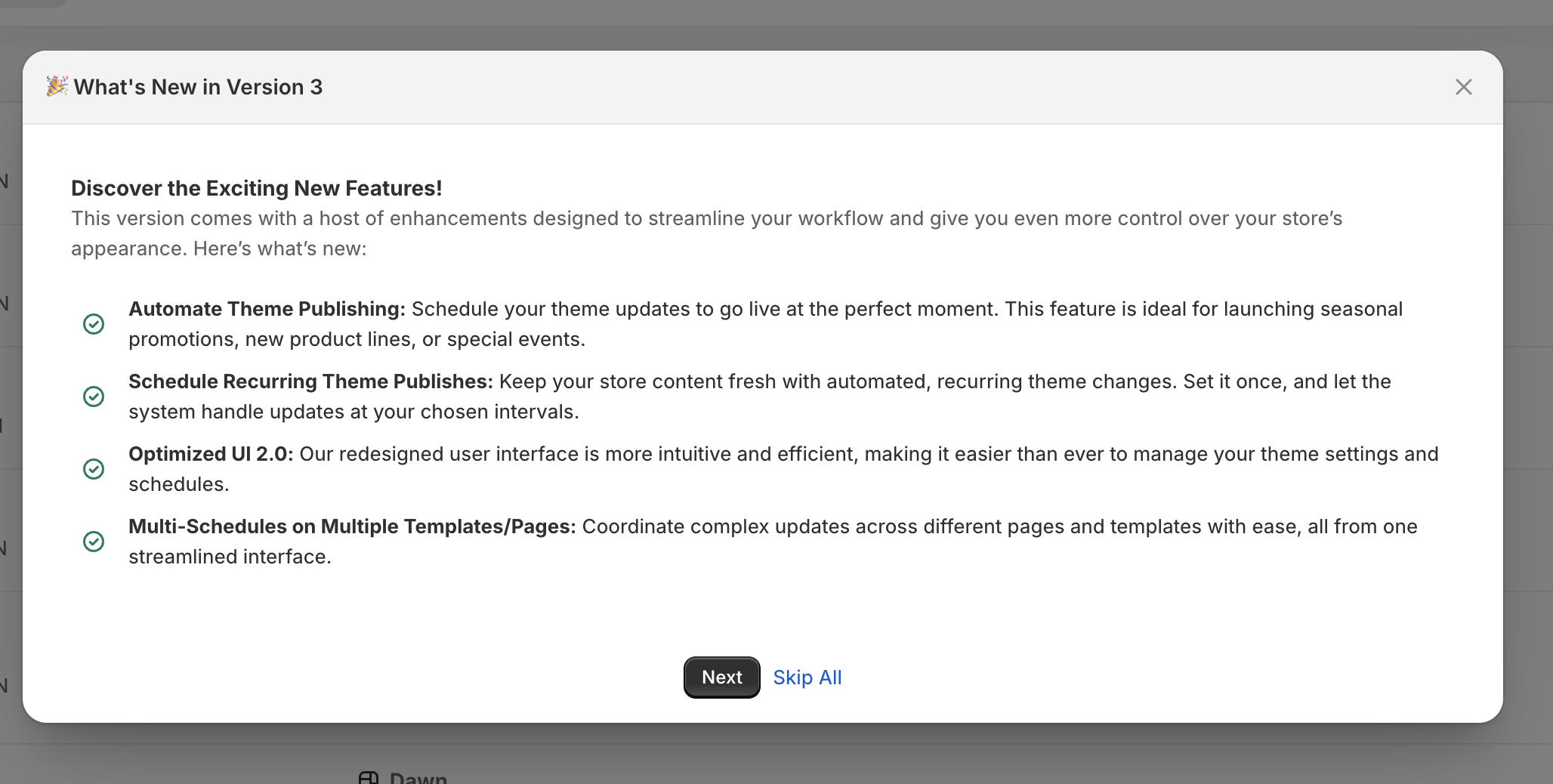
Maestro Theme Scheduler simplifies this entire workflow. It allows you to schedule the publication of any theme in your library. This is particularly useful for:
- Holiday Transformations: Switching your entire store to a "Winter Wonderland" theme on December 1st and back to your standard branding on December 26th.
- Major Brand Overhauls: Launching a new brand identity at a specific time to coincide with a press release or influencer launch.
- A/B Testing Layouts: Scheduling different theme versions to run during specific windows to see which performs better during high-traffic periods.
The Power of Granular Control: Automating Sections and Blocks
One of the most powerful features of Maestro is the ability to schedule individual sections and blocks. You do not always need to change your entire theme just to update a hero banner or a promotional announcement bar.
As a Shopify expert, I often see merchants struggle with "theme bloat" because they have too many duplicated themes just to manage minor content changes. Maestro solves this by allowing you to control visibility at the section level within your live theme.

Use Cases for Section Scheduling
- Flash Sale Banners: Schedule a "20% Off" banner to appear only during the hours of your sale.
- Limited Time Collections: Automatically show a "New Arrivals" section on the home page for the first 48 hours of a launch.
- Trust Signals: Display different testimonials or trust badges during high-intensity periods like Black Friday to boost conversion rates.
- Countdown Timers: Enable a countdown block that vanishes the moment the clock hits zero.
This level of control is essential for ecommerce maintenance services because it allows for a "set it and forget it" approach to content management.
Managing Seasonal Promotions: The Black Friday Framework
Black Friday and Cyber Monday (BFCM) are the ultimate stress tests for any Shopify merchant. The workload is immense, and the margin for error is razor-thin. Using Maestro Theme Scheduler allows you to build your BFCM storefront weeks in advance and schedule every move.

The "Set It and Forget It" Strategy
- The Pre-Sale Phase: Schedule a teaser section to appear on your home page three days before the sale starts.
- The Launch Phase: Set your BFCM-optimized theme to publish at 12:00 AM on Friday. Ensure all promotional sections and discounted collection blocks are set to "Visible."
- The Urgency Phase: Schedule a "Final Hours" banner to replace your standard sale banner six hours before the promotion ends.
- The Reversion Phase: Set your standard, evergreen theme to republish automatically when the sale concludes.
This automated cycle ensures your store is always relevant to the current stage of your promotion without requiring a single manual update during the busiest weekend of the year.
Streamlining Operations for Shopify Plus Merchants
For high-volume merchants, efficiency is the key to scalability. Shopify Plus development often involves managing multiple markets and complex store setups. Maestro Theme Scheduler provides the infrastructure needed to manage these complex environments.

The calendar interface within the app provides a bird's-eye view of all scheduled changes. This visibility is vital for large teams. When everyone can see exactly when a theme or section is scheduled to change, it prevents overlapping updates and conflicting content.
Furthermore, if you are looking to truly optimize your store performance, combining scheduling with a conversion rate optimization audit can reveal the best times and layouts to schedule for maximum impact.
How to Get Started: A Step-by-Step Guide
Implementing Maestro Theme Scheduler into your workflow is a straightforward process. Here is how you can begin automating your storefront today:
Step 1: Duplicate and Prepare
Before scheduling anything, navigate to your Shopify Online Store settings. Duplicate your current theme or select the theme you wish to edit. Give it a clear name, such as "Spring Sale 2026."
Step 2: Customize Your Content
Enter the Shopify Theme Editor for your new theme. Add the sections, blocks, or banners you need. If you are using custom Shopify themes, ensure your code is optimized and all assets are correctly uploaded.
Step 3: Configure Maestro
Open the Maestro Theme Scheduler app within your Shopify admin. Select whether you want to schedule a full theme publish or specific section visibility.
Step 4: Set Your Schedule
Choose the date and time for the changes to go live. If this is a recurring promotion (like a "Free Shipping Friday"), you can set a recurring schedule to repeat weekly or monthly.
Step 5: Review and Resync
Use the app's dashboard to review your timeline. Ensure that the timezones are correctly aligned with your target market. If you make last-minute changes to the theme code, use the resync button to ensure Maestro has the latest version.
Pricing and Value Proposition
Maestro offers tiered pricing to fit different business sizes. The Advanced plan is excellent for smaller merchants who need unlimited theme publishes and basic section scheduling. However, for larger brands and those invested in professional ecommerce maintenance services, the Maestro plan is the gold standard.
With the Maestro plan, you get:
- Unlimited Section and Block Scheduling: Complete freedom to automate every inch of your storefront.
- Priority Support: Access to expert help when you need to coordinate complex launches.
- Advanced Recurring Logic: Perfect for stores with consistent weekly or monthly promotional cycles.
Investing in these tools early can save hundreds of hours of manual labor over the course of a year, making the ROI clear for any growing brand.
Conclusion: Take Control of Your Storefront
Automating your Shopify store is a proactive step toward building a sustainable, scalable e-commerce business. By using Maestro Theme Scheduler, you eliminate the stress of manual updates and ensure your custom Shopify themes are always working at their full potential.
Whether you are preparing for a massive seasonal event or just want to automate your weekly updates, the ability to "set it and forget it" is a game changer. It allows you to focus on what truly matters: growing your brand and serving your customers.
If you are ready to optimize your store and reduce the operational burden on your team, exploring the capabilities of Maestro is a vital step. Your storefront should work for you, not the other way around.
Are you looking to elevate your Shopify Plus development or need professional help managing your store? Reach out to us at XCO Agency to see how we can help you streamline your operations and boost your conversion rates through expert automation and design.