
As a Shopify expert, I often work with high-growth merchants who find themselves buried under a mountain of repetitive customer support inquiries. One of the most common, yet easily avoidable, time-wasters is the manual gift card balance check. Merchants seeking to optimize their workflow often overlook how much effort goes into answering a simple question: "How much money is left on my gift card?"
In the world of ecommerce maintenance services, efficiency is the name of the game. If your support team is spending hours every week manually looking up gift card codes in the Shopify admin, you are losing valuable time that could be spent on growth strategies or improving your shopify store setup. Today, I am sharing a quick Shopify hack that transforms this manual chore into a seamless, self-service experience for your customers using the Gift Card Checker by Maestro.
The Problem: Why Manual Balance Checks are Draining Your Resources
As your store grows, the volume of gift card sales naturally increases. While this is great for cash flow, it often creates a secondary problem: a surge in support tickets. Most standard Shopify themes do not provide a native, front-facing way for customers to check their remaining gift card balance. This forces the customer to reach out via email, chat, or social media.
Why this is a major hurdle for your business
- Increased Support Costs: Every minute a team member spends looking up a balance is a minute they are not closing a sale or resolving a complex shipping issue.
- Customer Friction: Modern shoppers expect instant answers. Waiting 24 hours for a support representative to reply with a balance amount is a poor user experience that can lead to cart abandonment.
- Lost Sales Opportunities: If a customer cannot quickly see they have $15 left on a card, they might not bother starting a new order. Instant visibility encourages them to spend that remaining balance immediately.
- Inconsistent Data Handling: Manually sharing gift card details over email or chat can lead to security concerns or simple human error when transcribing long alphanumeric codes.
By addressing these issues during your routine ecommerce maintenance services, you can significantly improve your operational efficiency.

The Hack: Implement a Self-Service Balance Widget
The "hack" is simpler than you might think: you need to empower your customers to help themselves. Instead of acting as a middleman, you can install a dedicated widget that allows customers to input their gift card code and see their balance instantly.
As a professional in shopify store setup, I recommend using the Gift Card Checker by Maestro. It is designed specifically to solve this exact bottleneck with a one-click setup process. By adding a balance check page to your storefront, you effectively eliminate 90 percent of balance-related support tickets overnight.
Benefits of the Gift Card Checker by Maestro
- Reduced Support Load: Move from manual lookups to zero-touch automation.
- Enhanced Customer Loyalty: Provide a professional, transparent experience that builds trust with your brand.
- Improved Repeat Purchases: Customers who know exactly what they have to spend are more likely to return to your store and complete a purchase.
- Maintain Brand Consistency: The widget is fully customizable, ensuring it looks like a native part of your store rather than a clunky third-party add-on.
How to Set Up Your Gift Card Checker in 4 Simple Steps
Setting up this automation does not require a developer or complex coding knowledge. If you are handling your own shopify store setup, you can have this running in under five minutes.
Step 1: Install the App
Navigate to the Shopify App Store and find Gift Card Checker by Maestro. Once you click install, the app integrates directly with your existing Shopify gift card data.
Step 2: Enable the Widget
Inside the app dashboard, you will find a simple toggle to enable the balance check functionality. Because the app is built for Shopify, it recognizes your existing gift card database immediately.
Step 3: Design the Interface
This is where you ensure the widget matches your brand identity. You can adjust the colors, fonts, and button styles. As a Shopify expert, I always recommend matching your primary brand colors to make the tool feel integrated. Use the our services page if you need professional design help to ensure your UI is top-notch.
Step 4: Add to Your Navigation
Once the widget is styled, you need to make it accessible. Add a link to your "Check Gift Card Balance" page in your footer or on your FAQs page. This ensures customers can find it without having to search through their old emails.

Customizing for Brand Consistency and Trust
One of the biggest mistakes merchants make when adding new functionality is ignoring the visual design. If a balance checker looks "sketchy" or significantly different from the rest of your site, customers might be hesitant to enter their gift card codes.
The Gift Card Checker by Maestro allows for deep customization. You can change the layout, the placeholder text, and even the "Check Balance" button to align with your brand voice. For example, if your brand tone is casual, you might change the button text to "See My Funds." If you are a high-end luxury brand, you might keep it minimal and sophisticated.
Pro-Tip for Shopify Plus Merchants
If you are running a Shopify Plus store, you have even more flexibility. You can integrate this balance check into your customer account pages or even your post-purchase thank-you pages. This proactive approach keeps the balance top-of-mind for the user, driving higher lifetime value. You can learn more about advanced configurations on our growth strategies page.

Boosting Loyalty and Repeat Purchases
While the primary goal of this hack is to save time on ecommerce maintenance services, the secondary benefit is a significant boost in customer loyalty. A gift card is a promise of value. When you make it difficult for a customer to access that value, you create a negative brand association.
When a customer uses a self-service tool to check their balance, they are engaging with your brand in a positive, friction-free way. This is the perfect moment to nudge them toward a purchase.
Strategies to drive sales from the balance check page
- Include a "Shop Now" Button: Once the balance is displayed, provide a clear call to action that takes them back to your collections.
- Display Trending Products: Use the space below the balance checker to show off your bestsellers.
- Offer a Small Incentive: Consider a message like "You have $20 left! Use it today and get free shipping on orders over $50."
By turning a support-heavy task into a marketing opportunity, you are maximizing the ROI of your shopify store setup.
The Role of Automation in Ecommerce Maintenance
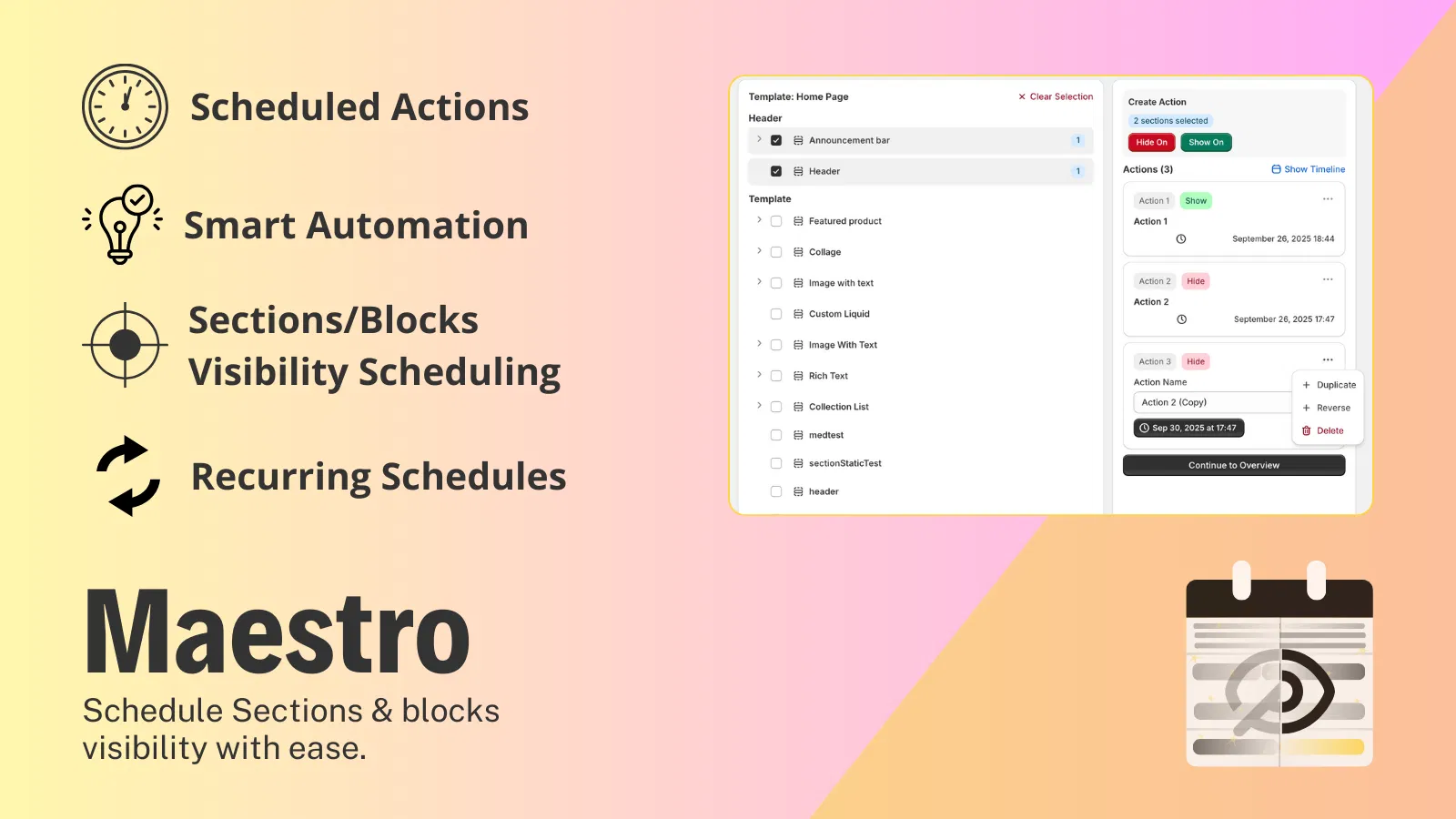
Successful store owners know that they cannot do everything manually. As you scale, automation becomes your best friend. Whether it is scheduling theme updates with the Maestro Theme Scheduler or automating gift card checks, every manual task you eliminate is a win for your bottom line.
Ecommerce maintenance services should not just be about fixing what is broken; they should be about optimizing what is working. If you find your team is still doing things the "old way," it might be time to book a meeting with us to review your current workflows and identify where automation can take over.
Conclusion: Stop the Support Ticket Madness
Stop wasting time on manual balance checks. It is a low-value task that frustrates both your staff and your customers. By implementing a self-service hack like the Gift Card Checker by Maestro, you provide instant gratification to your shoppers while freeing up your team for more impactful work.
This simple addition is a vital step in professional shopify store setup. It transforms a potential point of friction into a smooth, branded experience that encourages repeat visits and builds long-term loyalty.
If you are ready to streamline your operations and focus on what really matters: growing your business: take the proactive step today. Check out our about us page to see how we help brands like yours reach the next level, or jump straight into optimizing your store by exploring our full range of apps and services. Don't let manual tasks hold your brand back in 2026. Automate, optimize, and excel.