
As a Shopify expert, I often work with high growth merchants who feel paralyzed by the perceived complexity of international expansion. For years, the standard approach to selling globally involved managing multiple store instances, juggling inventory across fragmented dashboards, and struggling with inconsistent branding. This traditional model was not only exhausting but also expensive and prone to human error.
The introduction of Shopify Markets has fundamentally shifted this landscape. It has transformed international commerce from a multi month infrastructure project into a configuration task that you can initiate in under 10 minutes. At XCO Agency, we focus on helping brands leverage these platform updates to capture global demand without the operational overhead. Whether you are looking to enter your first neighbor country or scale across dozens of regions simultaneously, Shopify Markets provides the modular engine necessary to succeed.
The New Frontier of International E-Commerce
High growth merchants are constantly seeking ways to increase their total addressable market. However, the friction of localizing a store often outweighs the potential revenue gain in the early stages. Merchants are typically looking to solve three specific problems:
- Reducing the technical debt of managing multiple Shopify expansion stores.
- Providing a truly local experience that includes native currencies, languages, and duties.
- Maintaining a single source of truth for inventory and customer data.
By centralizing these functions, Shopify Markets allows you to focus on growth strategies rather than server management. The goal is to create a seamless journey where a customer in Berlin feels just as catered to as a customer in New York, all while you manage everything from one single Shopify admin.
Why Shopify Markets is the Game Changer
Before we dive into the setup process, it is vital to understand the "why" behind this tool. The benefits of using a unified global engine include:
- Higher Conversion Rates: Customers are significantly more likely to complete a purchase when they see prices in their local currency and are presented with familiar payment methods.
- Improved SEO Rankings: By using subfolders or unique domains for different markets, you signal to search engines that your content is relevant to specific geographic locations.
- Operational Efficiency: You no longer need to sync inventory between five different stores. One product catalog serves the world, with regional overrides where necessary.
- Transparency in Pricing: Calculating duties and taxes at checkout eliminates the "sticker shock" of unexpected fees upon delivery, which is the leading cause of international cart abandonment.
The 10 Minute Setup: A Step by Step Guide
If you are ready to power up your global presence, follow these simple steps to configure Shopify Markets. While the initial setup is quick, the strategic impact is long lasting.
Step 1: Defining Your Primary and Secondary Markets
Navigate to your Shopify Admin and select Settings, then click on Markets. Your primary market is usually the country you currently sell in. To expand, you must create a new market.
- Click Add market.
- Enter a market name for your internal reference (e.g., European Union or Australia).
- Select the specific countries or regions you wish to include in this market grouping.
- Click Done and then Save.
By grouping countries into a single market, such as the EU, you can apply the same settings across multiple nations, which simplifies management significantly.
Step 2: Optimizing Your Domain Strategy
After creating a market, you must decide how customers will access it. This is a critical step for your organic search visibility. Shopify will guide you through three main options:
- Subfolders: This is the most popular choice for merchants starting out. For example, yourstore.com/en-ca. It is easy to manage and inherits the SEO authority of your main domain.
- Subdomains: Such as ca.yourstore.com. These are useful if you want a slight separation in branding or technical configuration.
- Primary Domain Only: You can use your main domain for all markets and rely on geolocation to switch currencies, though this is less effective for SEO.
Ensure your SSL certificates are active for any new subdomains or domains. Shopify handles most of this automatically, but you should verify the status in your Domains settings.
Step 3: Localizing the Customer Experience
Once your domain is configured, you need to ensure the store speaks the local language and uses the local currency.
- Manage Languages: Go to the Languages section within your market settings. Ensure that the relevant languages are published. If you need help with translations, Shopify offers several integrated apps, or you can manually upload CSV files for precise control.
- Configure Currency: Enable Shopify Payments to allow for multi-currency. This ensures that the price a customer sees on the product page matches what they pay at checkout, including rounding rules that make your pricing look professional (e.g., €29.00 instead of €28.43).
Step 4: Automating Global Logistics
The final hurdle in global scaling is the logistics of shipping and taxes. Shopify Markets simplifies this by integrating duty calculations directly into the checkout.
- Set Shipping Rates: Navigate to Shipping and Delivery to create specific zones for your new markets.
- Enable Duties and Import Taxes: If you are on a Shopify Plus plan or using Managed Markets, you can collect duties at checkout. This provides a "DDP" (Delivered Duty Paid) experience, which is the gold standard for international e-commerce.
- Manage Inventory: Select which locations will fulfill orders for each market. This is particularly useful if you have a 3PL in Europe and another in North America.

Strategic Automation with Maestro Tools
Scaling globally is not just about technical settings: it is about timing and relevance. As a Shopify expert, I frequently see brands struggle to coordinate marketing campaigns across different time zones. This is where XCO Agency’s specialized apps come into play.
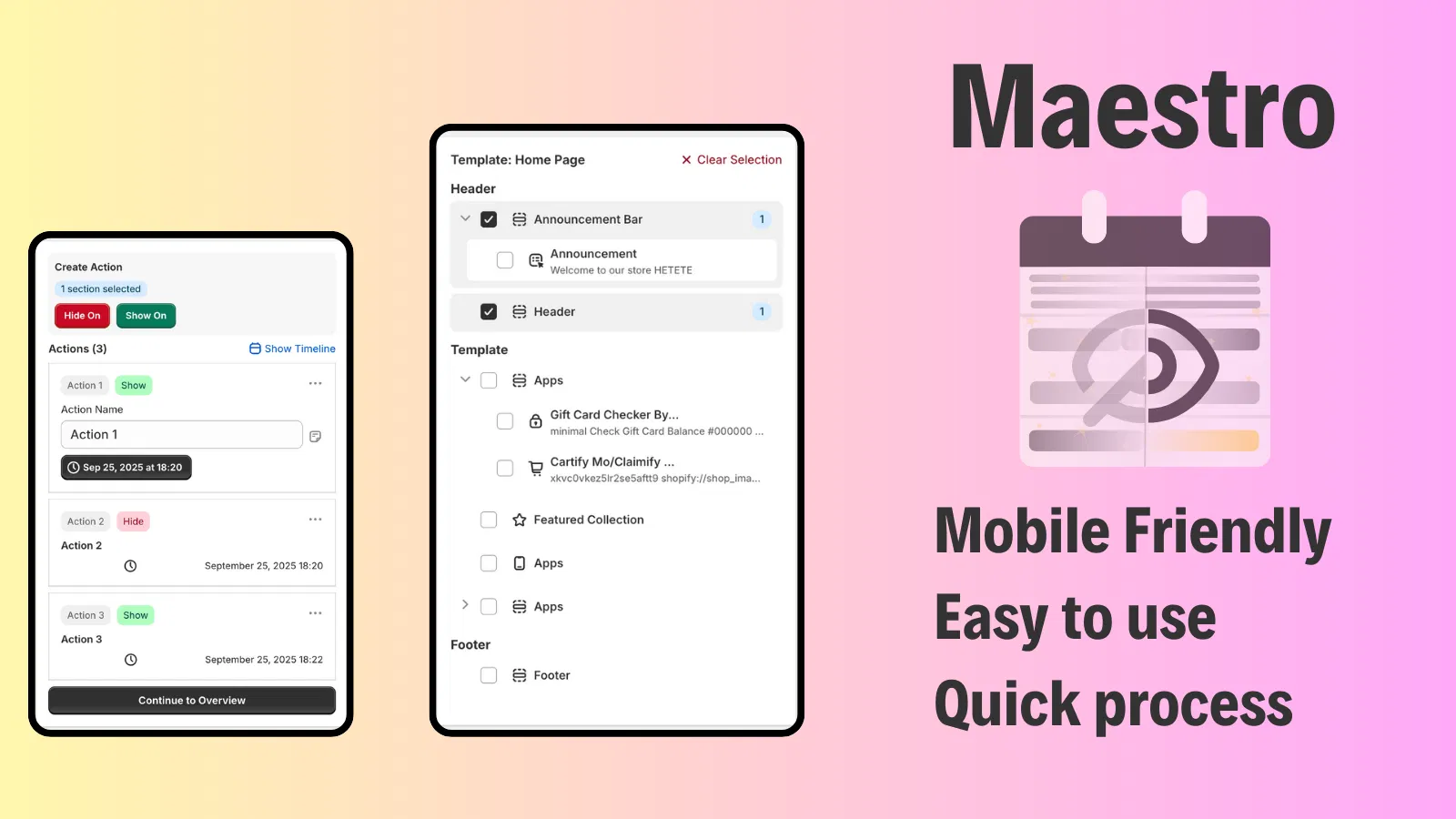
When you are running a promotion in the UK while your US team is asleep, you need automation to handle the heavy lifting. The Maestro Theme Scheduler allows you to schedule specific theme sections and blocks to appear or disappear at precise times.
For instance, if you are launching a localized "Boxing Day" sale in Australia, you can use Maestro to automatically show a promotional banner only to your Australian market subfolder at midnight AEST. This ensures your global store remains dynamic and relevant without requiring a staff member to be online 24/7 to push updates manually.
Similarly, the Product Maestro Scheduler is vital for global product drops. You can coordinate the visibility of specific products across different markets, ensuring that "coming soon" items transition to "available" exactly when the local audience is ready to buy.

Solving the Global Support Puzzle with Claimify
Expansion inevitably leads to an increase in customer inquiries and returns. Managing international returns can be a logistical nightmare that erodes your profit margins and damages your reputation.
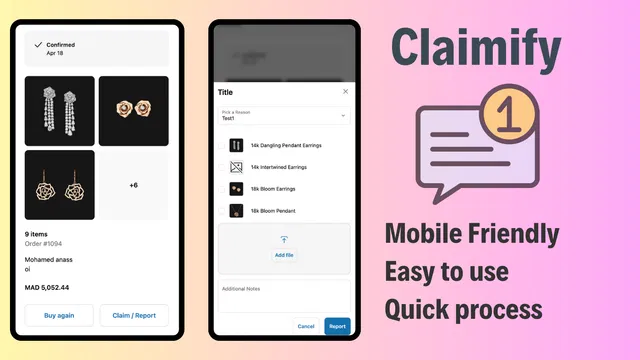
To maintain a professional edge, I recommend integrating a tool like Claimify. This app provides a mobile friendly interface for customers to report issues or submit claims for damaged items. In a global context, providing a clear, automated path for support reduces the friction of cross border shopping.
When a customer in Japan receives a damaged shipment, they do not want to navigate a complex English language email thread. They want a simple UI where they can upload a photo and receive a resolution. By streamlining the after sales service, you build the trust necessary for long term global loyalty.
Technical Considerations for High Growth Merchants
While the basic setup takes under 10 minutes, high growth merchants should consider more advanced technical steps to ensure long term success:
- DNS Configuration: If you are using custom domains for different markets, ensure your CNAME and A records are correctly pointed to Shopify. Shopify will guide you through this, but manual verification is a proactive step to avoid downtime.
- Hreflang Tags: Shopify automatically generates these for you when you use subfolders or subdomains. These tags tell Google which version of your site to show based on the user's location and language settings.
- Checkout Extensibility: For Plus merchants, customizing the checkout for specific markets is now easier than ever. You can add market specific trust badges or custom fields that cater to local regulations.
Finalizing Your Global Growth Strategy
Scaling your business globally is no longer a privilege reserved for massive corporations with unlimited budgets. With Shopify Markets, the tools to localize, optimize, and automate your international presence are at your fingertips.
The transition from a domestic store to a global powerhouse begins with these simple steps. By centralizing your operations, you reduce complexity and free up your team to focus on high level Shopify design services and marketing initiatives.
At XCO Agency, we specialize in making these transitions seamless. From migration to Shopify to implementing advanced Shopify integrations, our goal is to ensure your infrastructure supports your ambition.

If you are ready to take your store to the international stage, do not let the technical details hold you back. Start with one new market today, use automation tools like Maestro to manage the complexity, and watch your brand grow beyond borders.
If you need a strategic partner to audit your current setup or manage your global expansion, feel free to book a meeting with our team. We are here to help you navigate the Shopify ecosystem with confidence and precision.