
As a Shopify expert, I often work with high-growth merchants who are navigating the significant shift from the legacy checkout.liquid system to Shopify Checkout Extensibility. This transition represents the most substantial upgrade to the Shopify checkout in years, offering a faster, more secure, and upgrade-safe environment. However, many brands are seeking clarity on how to leverage these tools without breaking their conversion rates or losing critical tracking data.
Transitioning to this new architecture is not just a technical update; it is a strategic shift in how you manage your customer's final journey to purchase. When executed correctly, Checkout Extensibility allows you to:
- Enhance checkout speed and performance, leading to higher conversion rates.
- Implement app-based customizations that do not break when Shopify updates its core platform.
- Utilize Shopify Functions for complex logic like custom discounts and shipping rules.
- Maintain a consistent brand identity across the entire buyer journey.
If your team is struggling with the migration or if you are seeing errors in your checkout flow, you are likely falling into one of several common traps. Here are the seven mistakes merchants frequently make with Shopify Checkout Extensibility and the professional steps required to fix them.
1. Missing the Migration Deadline and Losing Script Access
The most urgent mistake involves the timeline. As a Shopify Plus expert, I have seen many stores wait until the last possible moment. Shopify set a hard deadline of August 28, 2025, for the migration of the Information, Shipping, and Payment pages. Merchants who missed this deadline found their Additional Scripts field locked.
When this field is locked, you can no longer edit your tracking codes or custom pixels. If a tracking script breaks or a new marketing partner requires a pixel update, you are effectively stuck.
How to fix it:
- Navigate to your Shopify Admin and go to Settings then Checkout.
- Select the option to Open upgrade report. This tool provides a detailed breakdown of which scripts are currently running and what needs to be replaced.
- Audit every piece of code in your Additional Scripts field. Identify what is for tracking, what is for UI changes, and what is for functional logic.
- Replace legacy scripts with official Shopify Pixels or Checkout UI Extensions.
- Click Upgrade once your replacements are ready to finalize the transition.
2. Injecting Custom Scripts Without Understanding the Sandbox
In the old checkout.liquid days, developers could inject arbitrary JavaScript directly into the page. This was powerful but dangerous. A single syntax error could crash the entire checkout, preventing customers from completing their orders.
Shopify Checkout Extensibility uses a sandboxed environment. This means your custom code runs in an isolated container. You cannot directly manipulate the DOM (Document Object Model) or access global JavaScript variables from the main page. I often see developers attempting to use standard jQuery or document selectors, which simply do not work in the sandbox.
How to fix it:
- Stop attempting to use custom HTML or direct JavaScript injection for UI changes.
- Adopt the Checkout UI Extensions framework. This uses React-based components that Shopify provides.
- Build your customizations using the pre-approved component library. This ensures that even if your extension fails, the rest of the checkout remains functional.
- For complex integrations, consult with a specialized team. At XCO Agency, we focus on Shopify integrations that respect these technical boundaries while delivering the desired functionality.

3. Attempting Customizations Your Plan Does Not Support
One common point of confusion I encounter involves the difference between Shopify plans. While some features of Checkout Extensibility are available to all, the most powerful tools are reserved for Shopify Plus.
If you are on a Basic, Shopify, or Advanced plan, you can customize the Thank You page and the Order Status page. However, you cannot customize the core checkout pages (Information, Shipping, Payment) using UI extensions or Shopify Functions. Merchants often spend hours planning a custom shipping logic only to realize their plan does not allow it.
How to fix it:
- Verify your plan level before starting a development project.
- If you require custom Shopify Functions for shipping rules, payment method hiding, or cart transforms, you must be on Shopify Plus.
- For merchants handling high volume or B2B operations, upgrading to Plus is often a vital step. We frequently help clients navigate the Shopify B2B wholesale channel which relies heavily on these advanced checkout capabilities.
- If an upgrade is not feasible, focus your efforts on optimizing the Thank You and Order Status pages, which are still customizable on lower plans.
4. Fighting the Layout System Instead of Working Within It
I often work with brands that want to completely rearrange the checkout layout. They want to move the order summary to the left, change the grid structure, or move the email field to the bottom. Checkout Extensibility is designed with a fixed structure to ensure mobile responsiveness and a consistent user experience.
Attempting to "hack" the layout often leads to a broken mobile experience. Shopify enforces these layout constraints for a reason: they have tested this structure across millions of transactions to maximize conversion.
How to fix it:
- Utilize the Checkout Branding API for visual changes. This allows you to control colors, fonts, button styles, and corner radius without breaking the layout.
- Identify the designated extension points. Shopify provides specific "slots" where you can insert content, such as above the order summary or below the payment methods.
- Use the Shopify design services offered by experts to ensure your brand identity is maintained within the allowed parameters.
- Accept the structural constraints as a benefit. By staying within the framework, you ensure your checkout remains fast and functional across all devices.
5. Over-Complicating the Checkout Experience
Because it is now easier to add "blocks" to the checkout via apps, some merchants go overboard. They add three different upsell blocks, a donation widget, a newsletter signup, and five different trust badges.
As a Shopify expert, I must emphasize that every extra element you add is a potential distraction. Friction is the enemy of conversion. If your checkout is cluttered, customers are more likely to abandon their carts.
How to fix it:
- Perform a checkout audit. Remove any element that does not directly contribute to completing the sale or providing essential information.
- Limit upsells to a single, highly relevant product.
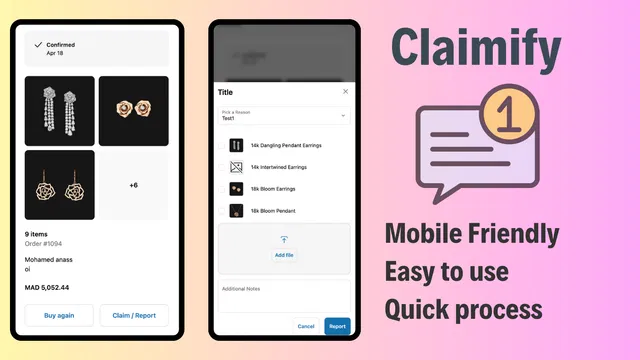
- Move non-essential post-purchase tasks to the Thank You page. For example, instead of asking for detailed feedback or claim reports during the checkout, use a dedicated tool like Claimify on the Order Status page.
- Streamline your shipping options. Offer two or three clear choices rather than a long list of confusing carrier rates.
6. Ignoring Official Pixel Infrastructure for Tracking
Mistake number six is continuing to use old-school tracking methods. Many merchants still try to hard-code Google Analytics or Meta pixels into the checkout. Under the new system, these legacy methods are unreliable and often fail to capture data correctly because of the sandboxed environment and strict browser privacy settings.
How to fix it:
- Navigate to Settings and then Customer Events in your Shopify Admin.
- Use the official Shopify Pixel Manager to connect your marketing tools.
- Route all third-party tracking through these official channels. Shopify handles the data securement and ensures the pixels fire correctly within the checkout flow.
- Test your conversion tracking using a sample order to verify that the "Purchase" event is firing with the correct currency and value data. This is a proactive step that prevents costly data gaps in your marketing campaigns.

7. Treating Checkout Extensibility Like checkout.liquid v2
The biggest conceptual mistake is viewing Checkout Extensibility as just a newer version of the old system. It is not. It is an entirely different architecture based on apps and APIs. The legacy system was about editing a file; the new system is about managing a set of configurations and extensions.
If you approach the new checkout with a "code-first" mindset rather than an "app-first" mindset, you will find yourself constantly fighting the platform.
How to fix it:
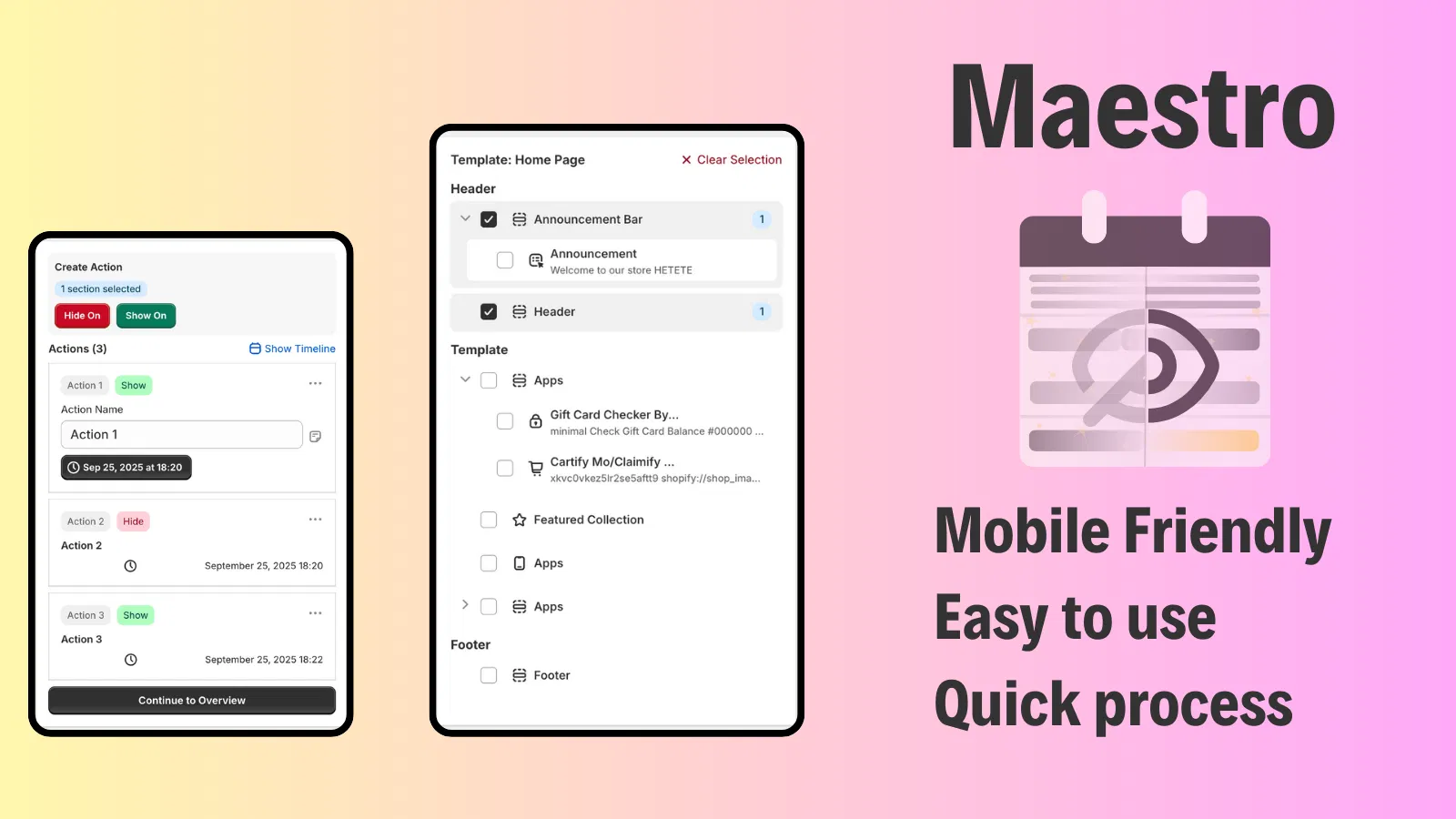
- Adopt an automated workflow. Use tools like Product Maestro Scheduler to manage how products and themes change, ensuring that your checkout logic stays in sync with your store's promotional cycles.
- Focus on modularity. Instead of one giant custom script, use individual UI extensions for specific tasks.
- Leverage the power of growth strategies that utilize Shopify Functions for dynamic pricing and personalized checkout experiences.
- Stay updated. Checkout Extensibility is evolving rapidly. Regularly check the Shopify changelog or consult with your agency to see which new extension points or components have been released.
Conclusion: A Vital Step for Future-Proofing
Correcting these mistakes is more than just a technical fix; it is a vital step in future-proofing your e-commerce business. By embracing the sandboxed, app-based nature of Shopify Checkout Extensibility, you ensure that your store remains fast, secure, and ready for whatever updates Shopify releases next.
The transition away from checkout.liquid is a forced move, but it is also an opportunity to audit your checkout flow, remove friction, and implement modern features like Shopify Functions and custom UI extensions. Merchants who successfully navigate this change often see improved performance and a more stable foundation for scaling.
If you find the technical requirements of Checkout Extensibility or Shopify Functions overwhelming, do not hesitate to reach out for professional assistance. At XCO Agency, we specialize in helping high-growth brands optimize their Shopify Plus stores through expert development and strategic marketing.
Ready to optimize your checkout and stop making these common mistakes? Book a meeting with our team today or contact us to learn how we can help you power-up your Shopify store.