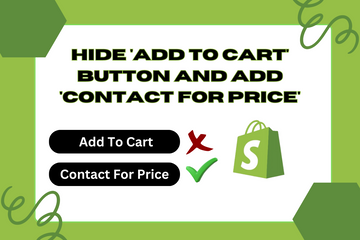
Customize Your Store by Hiding Price Details and Adding a 'Contact For Price' Button
As a Shopify expert, I often encounter store owners seeking ways to customize their store for different user groups. One impactful customization is hiding the 'Add to Cart' button and displaying a 'Contact For Price' button for non-registered users. This feature provides greater control over who can see price details and purchase products.
Why Add This Feature?
Implementing this feature offers several benefits:
- Enhanced Control: Hide price details and purchasing options from non-registered users or for products not currently for sale.
- Improved User Experience: Provide a clear call-to-action for users to contact you for pricing, making the process more personalized.
- Increased Engagement: Encourage users to register or contact you for more information, potentially leading to higher conversion rates.
How to Hide 'Add To Cart' Button and Add 'Contact For Price' Button
Step 1: Access Your Shopify Admin
Log in to your Shopify admin panel. From the home screen, navigate to Online Store > Themes and then click Actions > Edit code.
Step 2: Create a New Section
- In the Sections directory, click Add a new section and name it
contact-for-price. - Paste the following code into your new
contact-for-price.liquidfile:

Step 3: Add JavaScript for Button Functionality
- Open the theme's main JavaScript file (e.g.,
theme.js). - Append the following JavaScript code to handle the button click:

Step 4: Add CSS for Styling
- Open your theme’s main CSS file (e.g.,
theme.scss.liquid). - Add the following CSS code to style the buttons:

Step 5: Integrate the Section into Your Product Page
- Open the
product.liquidfile in the Templates directory. - Add the following code where you want the button to appear:

Step 6: Save Your Changes
Click the Save button at the top right of the code editor.
Conclusion
Adding the option to hide the 'Add to Cart' button and display a 'Contact For Price' button for non-registered users or specific products enhances your control over your store's purchasing process. By implementing this feature, you provide a more personalized experience for your customers, encouraging them to engage with your store and potentially leading to higher conversion rates.