
As a Shopify expert, I often work with store owners who are frustrated by their conversion rates. They're driving traffic to their stores, but visitors aren't converting into paying customers at the rate they expected. The good news? You don't need a complete website overhaul to see immediate improvements in your conversion rate.
Store owners are seeking quick, impactful changes that can boost their conversion rates without months of development work or massive budget investments. The reality is that small friction points throughout your customer journey are likely costing you sales every single day.
Here are the five most effective optimization strategies I recommend to my clients for instant conversion rate improvements:
• Eliminate technical barriers that prevent customers from completing purchases
• Enhance trust signals that give visitors confidence in your brand
• Streamline user experience to reduce decision fatigue and cart abandonment
• Leverage social proof to influence purchasing decisions
• Personalize the shopping journey to increase relevance and urgency
Let's dive into each of these proven strategies that can significantly boost your Shopify store's performance.
1. Optimize Your Site Speed and Performance
Page loading speed is the foundation of conversion optimization. When your store takes more than 3 seconds to load, you're losing potential customers before they even see your products. Mobile users are particularly impatient, and slow loading times directly correlate with higher bounce rates and lower conversion rates.

Step 1: Compress and Optimize Your Images
Start by auditing your product images, which are often the biggest culprits behind slow load times. Here's how to optimize them:
• Use image compression tools like TinyPNG or Shopify's built-in compression to reduce file sizes without sacrificing quality • Convert images to WebP format for faster loading while maintaining visual appeal • Implement lazy loading so images only load when customers scroll to them • Resize images appropriately - avoid uploading 4K images when 1200px width is sufficient
Step 2: Audit Your Installed Apps
Every app you install adds code to your store, and poorly coded or unnecessary apps can significantly slow down your site:
• Review your app list and uninstall any apps you're not actively using • Test your site speed before and after installing new apps • Choose lightweight alternatives when possible - sometimes native Shopify features can replace heavy third-party apps • Monitor app performance regularly through your Shopify admin
Step 3: Choose a Performance-Optimized Theme
Your theme choice has a massive impact on site speed:
• Select lightweight themes like Dawn, Impulse, or other speed-optimized options • Avoid themes with excessive animations or unnecessary features • Customize themes minimally - heavy customizations can slow down performance • Regularly update your theme to benefit from performance improvements
For stores needing comprehensive speed optimization, consider working with specialists who can implement advanced techniques like code minification and server-side optimizations. You can explore professional speed optimization services for more complex performance issues.
2. Enhance Your Product Pages for Maximum Impact
Your product pages are where conversion decisions happen. These pages need to provide all the information customers need while building confidence in their purchase decision.
Step 1: Implement High-Quality Visual Content
Since customers can't physically examine your products, your visuals must do the heavy lifting:
• Include multiple high-resolution images showing different angles and details • Add lifestyle photos that show products in use or styled with other items • Use 360-degree product views or zoom functionality when possible • Include product videos or GIFs showing products in action • Show size comparisons or scale references where relevant

Step 2: Craft Compelling Product Descriptions
Your product descriptions should be scannable and benefit-focused:
• Lead with key benefits rather than just features
• Use bullet points to highlight important details
• Include technical specifications in an easy-to-read format
• Address common customer questions proactively
• Optimize for relevant keywords without keyword stuffing
Step 3: Add Trust-Building Elements
Product pages need trust signals to overcome purchase hesitation:
• Display customer reviews prominently with photos when possible • Show security badges and payment icons • Include detailed shipping and return information • Add product guarantees or warranties • Display stock levels to create appropriate urgency
3. Streamline Your Checkout Process
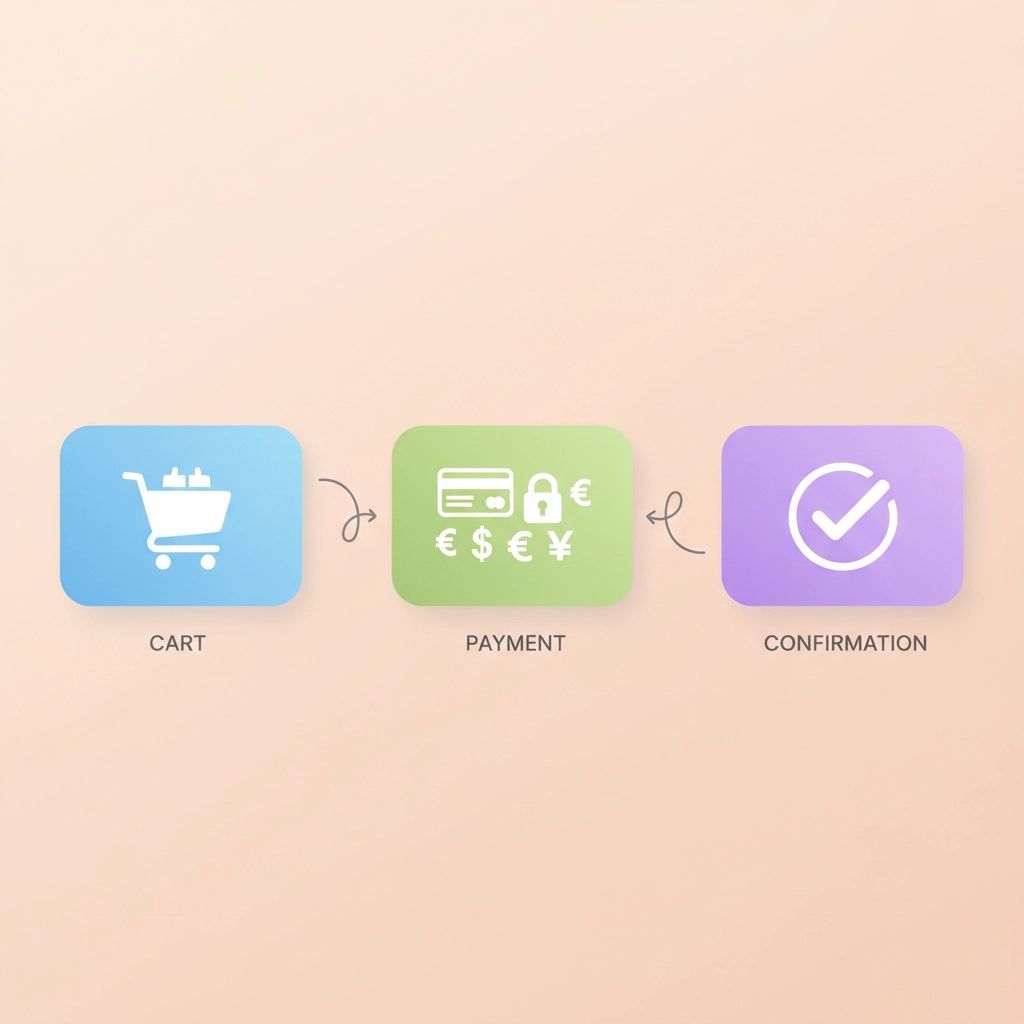
A complicated checkout process is a conversion killer. Every additional step or form field increases the likelihood of cart abandonment. Your goal should be to make purchasing as frictionless as possible.
Step 1: Minimize Form Fields
Reduce checkout friction by only asking for essential information:
• Use auto-fill capabilities for addresses and payment information • Combine shipping and billing addresses when they're the same • Remove unnecessary fields like company name for B2C purchases • Use smart defaults based on customer location • Enable guest checkout to avoid forced account creation
Step 2: Optimize Payment Options
Offer multiple payment methods to accommodate customer preferences:
• Include popular payment gateways like PayPal, Apple Pay, and Google Pay • Add buy-now-pay-later options like Shopify Installments or Klarna • Display payment security badges to build trust • Ensure mobile payment methods work seamlessly • Test all payment flows regularly to catch issues quickly
Step 3: Provide Transparent Pricing
Hidden costs are a major cause of checkout abandonment:
• Display shipping costs upfront or offer free shipping thresholds
• Show tax calculations early in the checkout process
• Include any additional fees before the final payment step
• Use progress indicators to show checkout completion status
• Provide order summaries at each step
4. Leverage Trust Signals and Social Proof
Social proof significantly influences purchasing decisions. When potential customers see that others have purchased and enjoyed your products, they're much more likely to convert.
Step 1: Display Customer Reviews and Ratings
Reviews are among the most powerful conversion tools available:
• Show star ratings prominently on product pages and in search results • Display recent reviews with customer names and photos when possible • Respond to reviews professionally to show you care about customer feedback • Encourage reviews through follow-up emails and incentives • Use review widgets that integrate seamlessly with your store design
Step 2: Add Real-Time Social Proof
Create urgency and validation through live activity:
• Show recent purchases with notifications like "John from New York just bought this" • Display current viewer counts for popular products • Add stock countdown notifications for low-inventory items • Show customer photos using your products via user-generated content • Include press mentions or awards your brand has received

Step 3: Build Authority and Credibility
Establish your brand as trustworthy and professional:
• Display security certificates and payment processor badges • Include professional contact information and physical address • Show team photos or founder story to humanize your brand • Add professional certifications or industry memberships • Include detailed about page explaining your mission and values
For comprehensive trust-building strategies, consider conducting a UX and conversion rate audit to identify specific areas where your store might be losing customer confidence.
5. Implement Smart Personalization
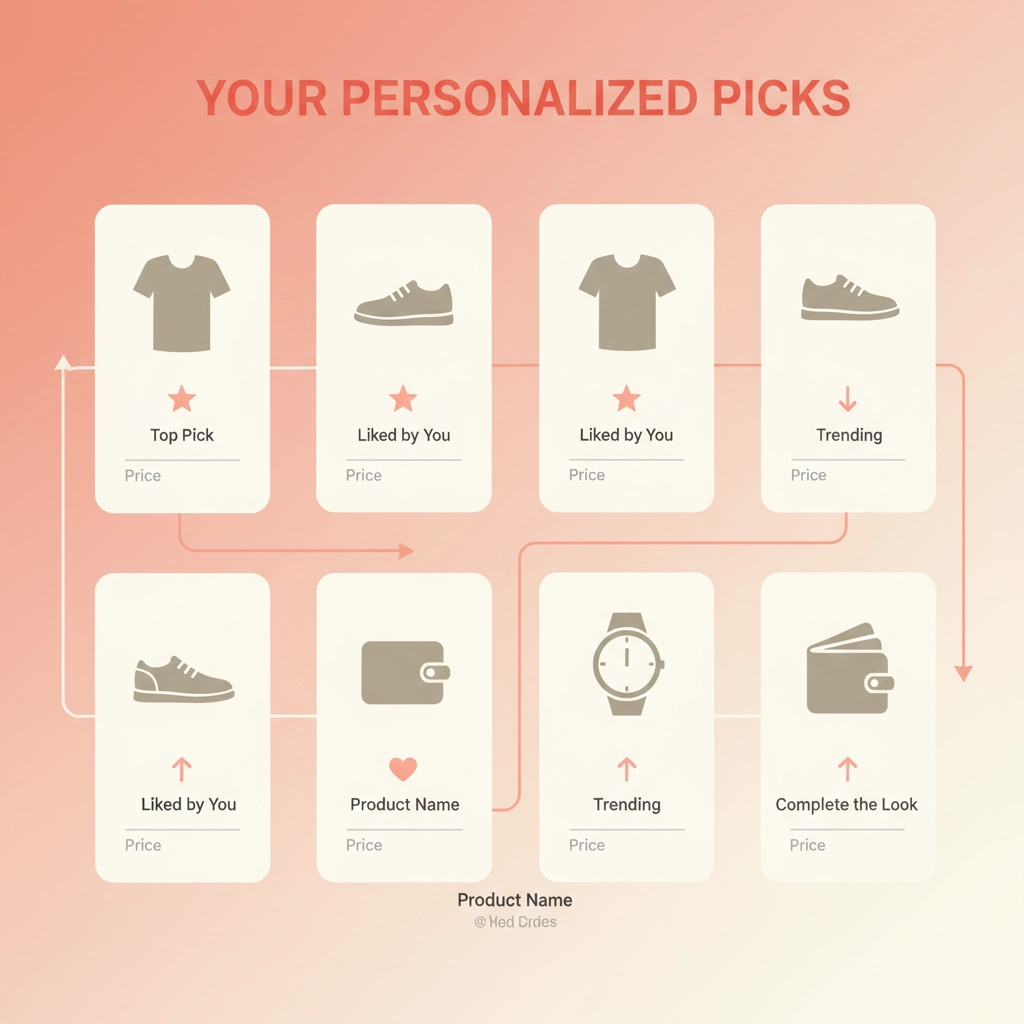
Personalized shopping experiences drive 31% of ecommerce revenues. By showing relevant products and content based on customer behavior, you can significantly increase both conversion rates and average order values.
Step 1: Set Up Product Recommendations
Intelligent product suggestions can dramatically boost sales:
• Add "Frequently Bought Together" sections on product pages • Include "Recently Viewed" widgets to help customers return to interesting products • Show "Customers Also Bought" recommendations based on purchase history • Create personalized homepage sections for returning customers • Use AI-powered recommendation engines for more sophisticated suggestions
Step 2: Personalize Based on Customer Behavior
Tailor the shopping experience to individual preferences:
• Show location-specific content like local shipping options or currency • Customize product collections based on browsing history • Personalize email recommendations for abandoned cart recovery • Adjust homepage content based on customer segments • Use dynamic pricing for VIP customers or bulk buyers
Step 3: Create Urgency Through Scarcity
Strategic scarcity creates motivation to purchase:
• Display limited-time offers with countdown timers • Show remaining stock levels for popular items • Create exclusive access for email subscribers or returning customers • Use flash sales to create purchasing urgency • Implement limited edition or seasonal product releases
These five optimization strategies work together to create a seamless, trustworthy shopping experience that naturally guides visitors toward making a purchase. The key is implementing them systematically and measuring the impact through your Shopify analytics.
Start with site speed optimization as your foundation, then layer on the other improvements. Monitor your conversion rate closely and continue testing different approaches to find what works best for your specific audience and products.
Remember, conversion rate optimization is an ongoing process. What works today might need adjustment tomorrow as customer expectations evolve. The most successful Shopify stores continuously test, measure, and refine their optimization strategies to stay ahead of the competition.
By focusing on these five core areas, you'll remove the most common barriers to conversion and create a shopping experience that turns more visitors into loyal customers. These aren't just theoretical concepts: they're proven strategies that consistently deliver results for Shopify stores across all industries.