
As a Shopify expert, I often work with high-growth merchants who are seeking to eliminate manual inventory bottlenecks and prevent costly stockouts during peak sales periods. When your store scales, relying on manual spreadsheet audits to track inventory levels, initiate supplier purchase orders, and update product visibility becomes unsustainable. Merchants frequently struggle with delayed restock alerts, human error in reorder calculations, and accidental sales of out-of-stock items that frustrate customers and hurt conversion rates.
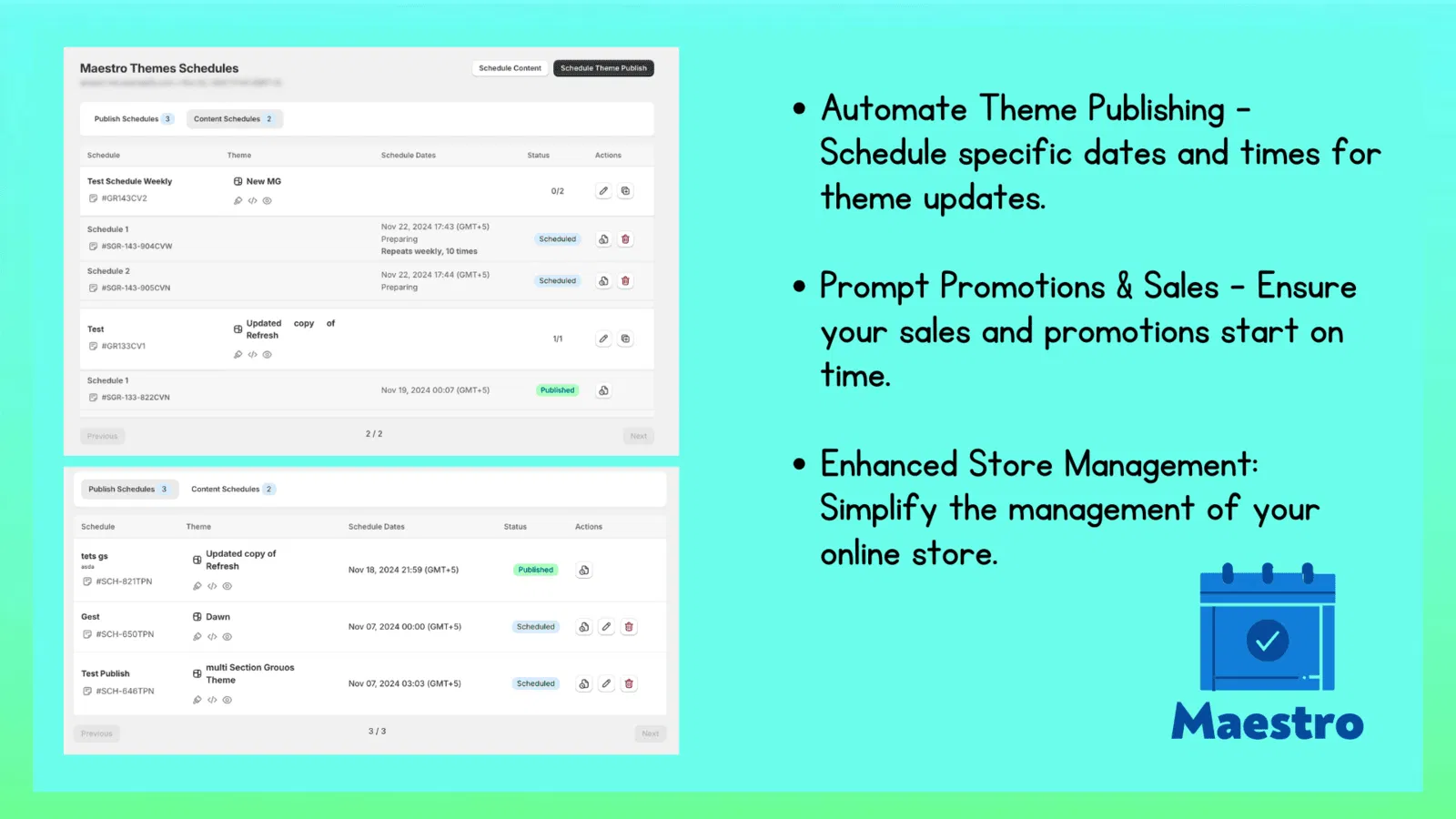
To solve this challenge, store owners need a robust framework combining real-time inventory tracking with advanced shopify automation. By leveraging tools like the Maestro Theme Scheduler and automated restock triggers, you can significantly enhance operational efficiency, protect your profit margins, and ensure a seamless shopping experience.
Here are the key benefits of automating your inventory replenishment:
- Eliminate manual spreadsheet tracking and human calculation errors across multiple warehouses
- Optimize cash flow by reordering exact quantities based on accurate sales velocity and lead times
- Protect customer trust by automatically updating product visibility and hiding depleted inventory
- Streamline team workflows with automated purchase order reminders and scheduled restock lists
Let us explore the step-by-step process to set up a bulletproof inventory replenishment workflow for your store.
Step 1: Establish Your Inventory Foundations and Reorder Points
Before activating automated restock campaigns, you must ensure your underlying inventory data is accurate and structured correctly. Without clean data, even the most sophisticated automation will fail.
Here are simple steps to audit and prepare your catalog:
- Turn on inventory tracking: Navigate to your Shopify admin, select your products, and ensure tracking is enabled for every active SKU and variant.
- Differentiate inventory states: Understand the difference between on-hand stock and available stock, ensuring your triggers rely on available quantities rather than total physical stock.
- Calculate reorder points: Establish a dynamic reorder point for every product based on your average daily sales velocity and supplier lead times.
Once your inventory foundations are locked in, Shopify will guide you through storing these values cleanly using metafields so that your automation rules can reference them seamlessly.

Step 2: Implement Event-Based Restock Triggers Using Shopify Automation
After completing your catalog audit, the next vital step is setting up event-driven workflows that fire instantly when stock levels cross your predefined thresholds. This proactive step ensures your purchasing team receives immediate notifications before items run dry.
Here are simple steps to configure your automated restock alerts:
- Navigate to your Shopify automation dashboard or workflow builder.
- Create a new workflow triggered when inventory quantity changes.
- Add a condition to check if the available stock falls below your calculated reorder point metafield.
- Configure actions to tag the product with reorder tags and send instant email or Slack notifications to your procurement department.
This level of shopify automation eliminates guessing games and allows your team to focus on supplier negotiations rather than constant manual monitoring.
Step 3: Coordinate Supplier Purchase Orders and Scheduled Restock Lists
Managing supplier relationships efficiently requires more than just low stock alerts. High-volume stores operating on shopify plus development architectures benefit greatly from batching their replenishment tasks into structured, recurring schedules.
Here are simple steps to streamline your purchasing cycle:
- Group restock items: Use automated product tags to compile a dynamic daily restock list of all SKUs requiring replenishment.
- Automate draft purchase orders: Configure your system to generate draft purchase orders automatically when SKUs breach critical levels.
- Review and dispatch: Have your inventory manager review the pre-populated purchase orders and send them directly to suppliers with a single click.
By coordinating your replenishment schedules with external suppliers, you maintain optimal stock levels without tying up excessive working capital in overstocked goods.
Step 4: Automate Product Visibility and Marketing Sync
When inventory does run out despite your best forecasting efforts, you must prevent customers from purchasing unavailable items. Leaving dead or out-of-stock product pages live damages customer trust and wastes advertising spend on zero-conversion traffic.
Here are simple steps to manage out-of-stock states automatically:
- Monitor zero inventory events: Set up automated rules that fire the moment available stock reaches zero.
- Hide depleted listings: Automatically unlist or hide out-of-stock products from your storefront collections and custom shopify themes.
- Pause paid media: Sync your inventory triggers with your advertising platforms to pause active campaigns for depleted products and reactivate them immediately upon restock.
These simple steps protect your brand reputation and ensure every visitor sees only available, ready-to-ship products.

Scaling Your Operations with Expert Support
Optimizing inventory replenishment and implementing advanced automation requires strategic planning, especially for enterprise brands scaling rapidly across multiple regions. Whether you are migrating from legacy platforms or upgrading your current setup through specialized shopify plus development services, having the right technical partner makes all the difference.
If you want to explore how custom shopify themes, product scheduler tools, and automated workflows can transform your e-commerce operations, we are here to help. You can learn more about our tailored solutions by visiting our services page or exploring our advanced app ecosystem.
Take the proactive step today and ensure your store never runs out of stock again. Book a meeting with our certified experts to discuss your custom inventory automation strategy.