
As a Shopify expert, I often work with large scale merchants who manage dozens of theme updates every single month. These high growth brands are constantly launching new marketing campaigns, tweaking their custom shopify themes for better conversion rates, and preparing for massive flash sales. In this fast paced environment, it is incredibly easy to lose track of what changed, when it changed, and who was responsible for the update.
Store owners are often seeking a way to bring order to this chaos. They want to know exactly why a specific promotion did not appear at midnight or why a layout shift occurred on the product page last Tuesday. Without a centralized record, troubleshooting becomes a game of guesswork and finger pointing. This is where the Store Themes Publish Timeline within the Maestro Theme Scheduler becomes an essential asset for your Shopify Plus development strategy.
By providing a clear, chronological history of every theme publish event, this feature acts as a time machine for your storefront. It allows you to audit past changes, verify successful launches, and optimize your future scheduling workflow with surgical precision.
The Chaos of Unmonitored Storefront Changes
Running a successful e-commerce operation involves multiple stakeholders. You have developers pushing code updates, marketing teams launching seasonal landing pages, and external agencies performing site audits. When everyone has access to the theme library, the risk of accidental overwrites or mistimed launches increases significantly.
The primary issues merchants face without a dedicated publish timeline include:
- Visibility gaps where teams are unaware of concurrent changes being made by other departments
- Debugging nightmares caused by an inability to pinpoint exactly when a bug was introduced to the live site
- Marketing misalignment leading to situations where paid ads go live before the corresponding storefront theme is published
- Compliance risks for enterprise brands that require strict documentation of all website modifications for internal or external audits
Establishing a reliable audit trail is not just about catching mistakes. It is about building a professional framework that supports scalable growth and cross functional transparency.

Introducing the Store Themes Publish Timeline
The Store Themes Publish Timeline is a specialized feature designed to give Shopify Plus merchants a bird's eye view of their store's evolution. Unlike the standard Shopify activity log, which can be cluttered with unrelated administrative tasks, this timeline focuses exclusively on theme movements.
Why a Storefront Time Machine is Vital
Having a dedicated record of theme publishing events provides several key advantages for your business:
-
Instant Debugging Capability
- If your conversion rate drops suddenly, you can quickly check the timeline to see if a theme change occurred at that exact moment. This allows your Shopify Plus development team to revert to a previous version in seconds rather than hours.
-
Marketing Campaign Verification
- Ensure that your Black Friday or Cyber Monday themes actually went live when they were supposed to. The timeline provides timestamped proof of every automated publish event triggered by Maestro.
-
Team Accountability
- See exactly which user or which automated schedule initiated a theme change. This transparency encourages better communication and reduces the likelihood of "lone wolf" updates that bypass your standard approval process.
-
Strategic Optimization
- By reviewing your history, you can identify patterns in your publishing frequency. You might find that you are updating the site too often during peak traffic hours, allowing you to shift your strategy to quieter periods.
How to Audit Your Storefront in 4 Steps
Auditing your storefront should be a proactive step rather than a reactive response to a crisis. Here are simple steps to use the Maestro timeline for a comprehensive site audit.
Step 1: Access the Timeline Dashboard
Navigate to the Maestro app within your Shopify admin and locate the Publish Timeline tab. This view presents a chronological list of every theme publish event, including those handled by the Maestro Theme Scheduler and manual changes.
Step 2: Review Recent Events for Discrepancies
Select a specific date range that correlates with any reported issues or major marketing pushes. Look for any "Theme Published" entries that do not align with your planned calendar. Ensure that the theme names match the intended versions for those specific dates.
Step 3: Correlate Site Performance with Publish Data
Cross reference the timestamps in your timeline with your analytics data in Shopify or Google Analytics. If you see a spike in 404 errors or a dip in add to cart rates, check if a new theme was published just before that trend began. This correlation is the fastest way to identify problematic theme code or layout shifts.
Step 4: Document and Optimize
If you find that certain automated schedules are failing due to theme conflicts, use the notes feature within Maestro to document the issue. Adjust your future schedules to ensure that developers have a "buffer zone" of at least 30 minutes between a code push and a scheduled marketing launch.
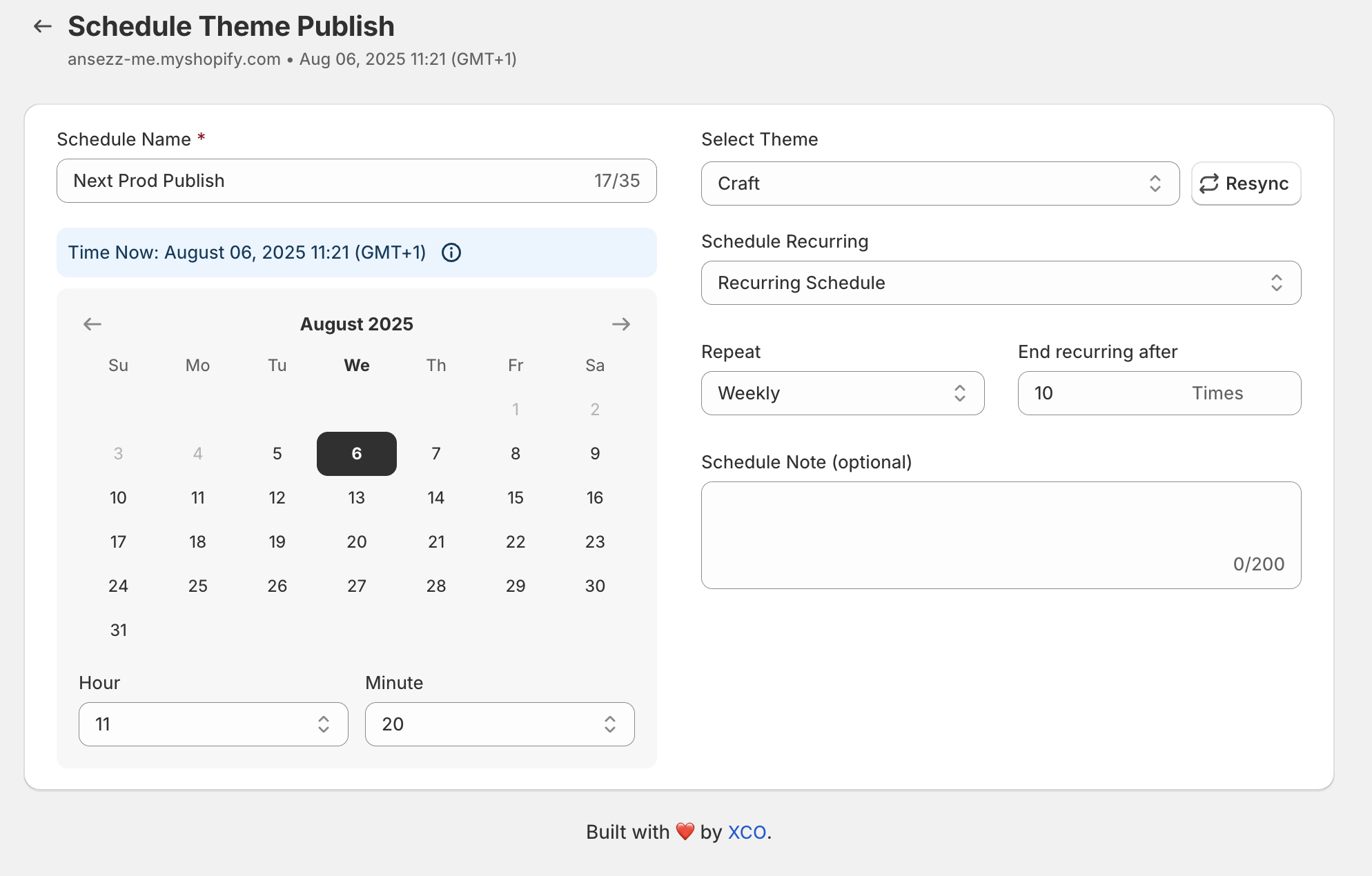
Optimizing Your Scheduling Strategy with Data
The real power of the Store Themes Publish Timeline lies in its ability to inform your future strategy. By looking back, you can see how long it typically takes your team to prepare a theme for a major event. If the timeline shows that you are often publishing themes just minutes before a sale starts, you may need to adjust your custom shopify themes workflow to allow for more testing time.
Verifying Campaign Launches
Marketing teams love the timeline because it provides peace of mind. When you have a massive ad spend behind a specific campaign, you cannot afford for the website to be showing the wrong version of the homepage.
Once your domain is connected and your Maestro schedules are set, you can rest easy knowing that the app will log the exact second the switch occurs. After completing a campaign, you can export these logs to include in your post mortem marketing reports, proving that the technical execution was perfect.

Collaboration Between Developers and Marketers
One of the biggest friction points in e-commerce is the gap between the technical team and the creative team. The Store Themes Publish Timeline serves as a "single source of truth" that both teams can reference.
Empowering Your Teams
- Developers can use the timeline to ensure their latest hotfixes are live and have not been overwritten by a scheduled marketing theme.
- Marketers can see exactly when a developer has finished their work on a staging theme, signaling that it is ready to be scheduled for the next big launch.
- Managers can oversee the entire operation without needing to dive into the code or the theme editor directly.
Shopify will guide you through the process of theme management, but Maestro provides the advanced layer of oversight that Plus merchants require. It turns a manual, risky process into a streamlined, automated, and fully audited workflow.
Future-Proofing with Maestro
As you continue to grow, your site will only become more complex. You might integrate more apps, launch in more regions, or start utilizing Shopify B2B features. Maintaining a tight grip on your storefront changes is a vital step in ensuring long term stability.
The Store Themes Publish Timeline is not just a log. It is a strategic tool that helps you learn from your past, manage your present, and plan your future. Whether you are debugging a small CSS glitch or coordinating a global product launch, having this data at your fingertips is a game changer for any Shopify Plus store.
If you are ready to take full control of your storefront's history and future, it is time to implement a professional scheduling and auditing system. We invite you to book a meeting with our experts to discuss how we can help you optimize your Shopify Plus store.
Professional e-commerce management requires professional tools. Ensure your brand is protected, your campaigns are verified, and your team is aligned with the power of the Maestro Theme Scheduler.