
As a Shopify expert, I often work with high-growth merchants who view Shopify Markets as a "set it and forget it" tool for international expansion. While the platform has made cross-border selling more accessible than ever, a simple toggle of a button is rarely enough to build a sustainable global brand. In fact, many merchants inadvertently create friction that kills conversion rates and damages brand trust in new territories.
Shopify Markets is a powerful centralized hub that allows you to manage localized shopping experiences from a single store. However, the complexity of managing multiple currencies, languages, and regional regulations can quickly lead to costly errors. If you are seeking to scale your business across borders, you must move beyond the basics and address the structural and strategic nuances that define global success.
By identifying and fixing these common mistakes, you can achieve several key advantages:
- Higher conversion rates by providing a local-first feel for every visitor.
- Reduced cart abandonment through transparent pricing and duty calculations.
- Improved search engine visibility via properly configured international SEO.
- Streamlined operations using automation tools for regional updates.
- Enhanced brand loyalty by respecting regional shopping habits and time zones.
1. Hardcoding Links and Ignoring the Routes Object
One of the most frequent technical errors I encounter occurs within the theme code itself. When a developer hardcodes a link to /cart or /collections/all, they are accidentally breaking the localized experience for international shoppers. In Shopify Markets, a French customer might be browsing on yourstore.com/fr-fr. If they click a hardcoded link to /cart, they are often redirected back to the primary market URL, which can revert their currency and language settings.
The Fix: Utilize Liquid’s Routes Object
To ensure your store remains context-aware, you must use the dynamic routes object in your Liquid files. This allows Shopify to automatically prepend the correct country and language code to every URL.
-
Audit your theme files: Search for any instances where
/products/,/collections/, or/cartare typed as plain strings in your code. -
Replace with Liquid: Use the syntax
{{ routes.cart_url }}or{{ routes.all_products_collection_url }}. -
Update JavaScript: If you use AJAX for your cart or search, ensure your scripts reference
window.Shopify.routes.rootto fetch the localized base path.
2. Choosing the Wrong International Domain Strategy
Many merchants fail to understand the SEO implications of how they structure their international URLs. Shopify Markets allows you to use subfolders (e.g., brand.com/en-gb), subdomains (e.g., uk.brand.com), or top-level domains (e.g., brand.co.uk). Choosing the wrong one can dilute your domain authority and make it impossible to rank in local search results.
The Fix: Optimize Your Domain Configuration
For most merchants, subfolders are the gold standard because they consolidate all SEO authority into a single domain. However, if you have a massive presence in a specific country, a dedicated top-level domain might be more appropriate.
- Select Subfolders for Efficiency: This is the easiest way to manage SSL certificates and maintain a strong global domain rank.
- Configure via Shopify Admin: Navigate to Settings, then Markets, and select "Manage" on a specific market to adjust the domain settings.
- Ensure Domain Impact: You should perfectly set up your domain for maximum impact by ensuring your primary domain is verified and your DNS records are correctly pointed.
3. Treating Localization as Translation Only
As a Shopify expert, I see many brands stop at translating their text. While language is vital, true localization involves adapting your visual assets, product availability, and promotional cycles to the specific culture. A summer campaign featuring beach imagery will fall flat in Australia during their winter months.
The Fix: Implement Regional Content Management
You need to tailor your storefront to reflect the local reality of each market. This includes changing featured collections and even the visibility of certain products.
- Localize Media: Use market-specific images that resonate with local aesthetics and cultural norms.
- Curate Product Sets: Not every product is suitable for every market. Use Shopify Markets to hide specific items that may have high shipping costs or low demand in certain regions.
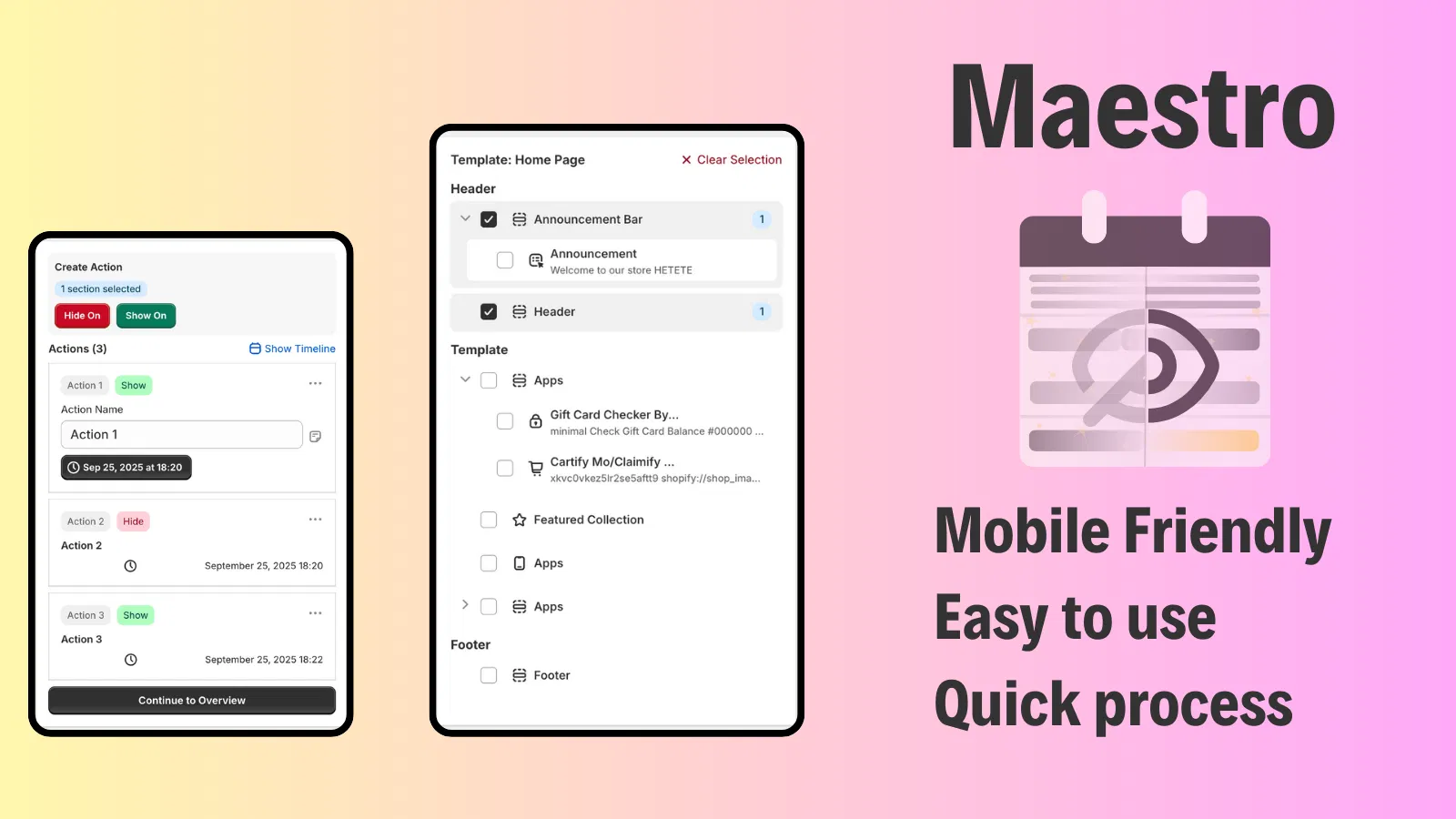
- Automate Regional Updates: For high-growth stores, manually updating these elements across multiple markets is unsustainable. Tools like Maestro Theme Scheduler allow you to schedule theme section visibility for specific markets, ensuring your "New Arrivals" block appears exactly when the local audience is most active.
4. Neglecting Market-Specific Scheduling for Promotions
A common mistake is running a "site-wide" sale that launches at 9:00 AM EST for the entire world. By the time your customers in London or Tokyo wake up, your best-selling items might already be gone, or the promotion might have already expired in their local time. This creates a disjointed experience that alienates international shoppers.
The Fix: Synchronize Product and Theme Launches
To grow globally, you must treat each market as a distinct entity with its own calendar. This requires a sophisticated approach to scheduling.
- Coordinate Sales Cycles: Align your discounts with local holidays like Singles' Day in China or Boxing Day in the UK.
- Use Product Maestro Scheduler: This app is vital for merchants who need to automate updates for products and collections. It allows you to schedule product status changes, price adjustments, and inventory updates tailored to the time zone of each market.
- Automate Collection Management: Ensure your "Sale" collection is populated and published at the exact right moment for each region without requiring your team to stay up until midnight in multiple time zones.

5. Hiding Duties and Taxes Until the Final Step
Nothing kills an international conversion faster than "sticker shock" at the very end of the checkout process. If a customer in the EU sees a product for $100 but is hit with an additional $40 in duties and taxes at the final click, they will likely abandon the purchase and never return.
The Fix: Enable Duties and Import Taxes at Checkout
Transparency is a cornerstone of brand authenticity. You must ensure that international buyers know exactly what they are paying upfront.
- Enable DDP (Delivered Duty Paid): Configure your shipping settings to collect duties and taxes at checkout. This allows for a smoother customs process and no surprise bills for the customer upon delivery.
- Show Discounts Clearly: If you are running a regional promotion, ensure the savings are visible throughout the journey. You can show discount info on Shopify to maintain transparency.
- Include a Terms Checkbox: For international orders, it is often a proactive step to show an 'I agree with terms & conditions' checkbox on the cart page to ensure customers acknowledge the international shipping policies.
6. Over-Relying on Aggressive Automatic Redirection
While it is tempting to use "Auto-Direct" to force users to the version of the site you think they should see, this often backfires. It can lead to "infinite redirect loops" for search engine crawlers and can frustrate users who may be traveling or using a VPN.
The Fix: Use a Non-Intrusive Geolocation Selector
Instead of forcing a redirect, give the user the choice while providing a clear recommendation.
- Install Shopify’s Geolocation App: This adds a professional, branded pop-up or footer selector that suggests the best market based on the user's IP address.
- Ensure Usability: Keep the selector simple. You should also enhance your website's usability by adding a favicon and ensuring all UI elements are crisp, as small details build the trust necessary for a user to switch markets.
- Test with GTM: Ensure your tracking remains accurate across these switches by following a proper Google Tag Manager setup.
7. Failing to Provide Localized Post-Purchase Support
International expansion doesn't end when the "Order Confirmed" screen appears. Many merchants fail to plan for the "what if" scenarios: what if the package is lost in transit across the ocean? What if the customer needs to return an item from another continent? If your support process is built only for your home market, your international reputation will suffer.
The Fix: Streamline International Claims and Returns
To maintain a high level of customer satisfaction, you need a robust system for handling issues that arise after the sale.
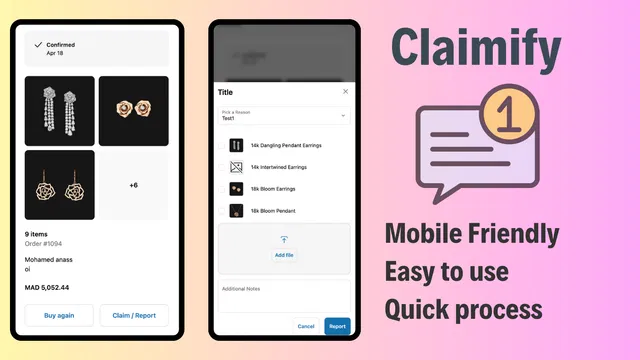
- Implement a Digital Claims Portal: Don't make international customers engage in long email chains. Use a tool like Claimify to provide a mobile-friendly claims management interface.
- Enable Easy Reporting: Allow customers to submit photos and details of damaged or missing items directly through your site. This reduces the friction of international returns and builds significant brand trust.
- Localize Support Documentation: Ensure your FAQ and return policies are translated and easily accessible from every market version of your store.
Conclusion: A Vital Step Toward Global Success
Expanding your brand globally through Shopify Markets is a strategic move that requires more than just a technical setup. It requires an obsession with the localized customer journey. By fixing hardcoded links, optimizing your domain strategy, and moving beyond simple translations to full content localization, you position your brand as a legitimate local player in every country you enter.
The most successful Shopify Plus merchants use automation to manage this complexity. Whether it is using Maestro Theme Scheduler to coordinate your global storefront updates or Claimify to handle international support requests, these tools are essential for maintaining a premium experience at scale.
If you are currently struggling with your Shopify Markets configuration or if you are ready to take your international strategy to the next level, our team at XCO Agency is here to help. We specialize in optimizing complex Shopify ecosystems for maximum growth. Take a proactive step today: boost your store's UX and conversion rate with an optimization audit report and let us help you turn your global ambitions into a reality.