
As a Shopify expert, I often see high-growth merchants treating the transition to Checkout Extensibility as a minor technical update. In reality, this is one of the most significant architectural shifts in the history of the Shopify platform. Moving away from the old checkout.liquid file is not just about changing where your code lives, it is about adopting an entirely new philosophy of how a checkout should function.
While this new system offers unparalleled security, speed, and upgradeability, many brands are stumbling during the implementation phase. These errors often lead to broken tracking, lost conversion opportunities, or expensive development cycles that fail to deliver the intended results. At XCO Agency, we have guided numerous Shopify Plus merchants through this migration, and we have identified the most common pitfalls that can derail your progress.
Here are the seven critical mistakes you are likely making with Shopify Checkout Extensibility and the strategic steps you can take to fix them.
Mistake #1: Missing the Critical Migration Deadlines
The most immediate risk many merchants face is simply missing the clock. Shopify has been aggressive with its rollout of Checkout Extensibility, and for many, the deadline has already passed or is rapidly approaching. Shopify Plus merchants who failed to migrate before late 2025 lost the ability to edit their Additional Scripts field. While you can still see the old code, you cannot update it.
This is a major problem for brands that rely on third-party tracking pixels, custom analytics, or legacy scripts that need constant adjustment. If your marketing team needs to update a Meta pixel or a Google Tag Manager event and you are still locked into the old system, you are essentially flying blind.
How to Fix It
- Audit your current scripts. Navigate to Settings > Checkout in your Shopify admin and click on the "Open upgrade report." This tool will show you exactly which scripts and pixels are currently active.
- Identify legacy dependencies. Look for custom conversion tracking that relies on DOM elements. Because the new checkout is sandboxed, these elements no longer exist in the same way, meaning your tracking will break if you just copy-paste the code.
- Run a comprehensive test. Place a test order through the new checkout and verify every single analytics hit in your debugger. Ensure that custom events are firing correctly before you fully decommission the old liquid-based checkout.
Mistake #2: Attempting to Direct-Inject Scripts into the Sandbox
In the era of checkout.liquid, developers were used to having total control. They could inject arbitrary JavaScript, manipulate the DOM, and change the layout at will. Many merchants try to replicate this behavior in the new system, only to find that their scripts simply do not work.
Checkout Extensibility runs in a sandboxed environment. This is a security feature that prevents a single buggy script from crashing your entire checkout process. However, it also means you cannot just "inject" code. You must use Shopify’s Checkout UI Extensions framework, which utilizes React components.
How to Fix It
- Shift to a component-based mindset. Instead of writing raw JavaScript to change a button color or add a text field, use the pre-built components provided by Shopify.
- Leverage Custom Pixels. For tracking and marketing scripts, use the Shopify Pixels API. This allows you to collect data in a secure, performant way without impacting the page load speed of your checkout.
- Consult with experts. If your internal team is struggling with the React-based framework, consider reaching out to the XCO Agency team for a specialized technical audit.

Mistake #3: Misunderstanding Feature Availability Across Plans
A frequent source of frustration for merchants is the discovery that the features they want are restricted to specific Shopify plans. While the Thank You and Order Status pages can be customized across most plans, the most powerful features of Checkout Extensibility are reserved for Shopify Plus.
Advanced logic, such as custom Shopify Functions for shipping rules, payment method hiding, and cart transforms, requires a Plus subscription. We often see merchants on the Advanced plan spend weeks planning a complex B2B checkout experience only to realize they cannot implement it without an upgrade.
How to Fix It
- Verify your plan capabilities early. If you need conditional shipping rates (e.g., hiding express shipping for certain product tags) or complex discount logic, ensure you are on Shopify Plus.
- Use Plus-specific apps. For high-growth stores, leveraging apps designed for Plus is often more cost-effective than building custom functions from scratch. For example, managing complex product launches can be handled by tools like Product Maestro Scheduler.
- Budget for the upgrade. If the ROI of a customized checkout outweighs the cost of the Plus platform, treat the migration as a growth investment rather than a technical expense.
Mistake #4: Fighting Against the Fixed Layout
Merchants often want to completely re-engineer the layout of the checkout page. They may want to move the order total to the top of the mobile view or rearrange the sequence of form fields. Shopify Checkout Extensibility is intentionally designed to prevent this level of structural tampering to ensure that every checkout remains fast, responsive, and PCI-compliant.
Trying to force a custom layout usually leads to a messy user experience and potential bugs. Instead of fighting the system, you should work within the three sanctioned methods of customization.
How to Fix It
- Use the Checkout Branding API. This allows you to control typography, colors, button styles, and corner radii. It ensures your checkout looks like your brand without breaking the structural integrity.
- Utilize UI Extension Zones. Shopify provides specific "slots" where you can insert content. Use these for trust badges, loyalty points displays, or upsell offers.
- Optimize for mobile first. Since you cannot change the core structure, focus on the elements you can control to ensure a frictionless mobile experience.
https://cdn.marblism.com/V_m_kus6Hgx.webp
Mistake #5: Cluttering the User Interface
The temptation with the new UI Extensions is to add "one more thing." We see checkouts cluttered with three different upsells, five trust badges, a newsletter signup, and a complex survey. Every extra element you add to the checkout page is a potential distraction that can lead to cart abandonment.
The goal of the checkout should always be conversion. If your customizations are creating friction, they are failing.
How to Fix It
- The "One Relevant Element" rule. Limit yourself to one major extension per step. If you are showing an upsell, make sure it is highly relevant to the items in the cart.
- Streamline the post-purchase experience. Instead of cramming everything into the checkout steps, move non-essential items like surveys or claims instructions to the Thank You page.
- Integrate seamless claims management. For high-growth brands, managing issues after the checkout is vital. Tools like Claimify can help customers report issues without cluttering the initial purchase flow.
Mistake #6: Viewing Extensibility as checkout.liquid 2.0
Perhaps the biggest mistake is treating this new system like a simple "version two" of the old theme files. Checkout Extensibility is an app-based framework. It is not about editing a liquid file in your theme editor, it is about deploying apps and functions that interact with the checkout through APIs.
This requires a different workflow for your development team. It also means that your checkout is now decoupled from your theme, which is a massive benefit for stability but a learning curve for maintenance.
How to Fix It
- Adopt modern deployment workflows. Use the Shopify CLI to build and deploy your extensions.
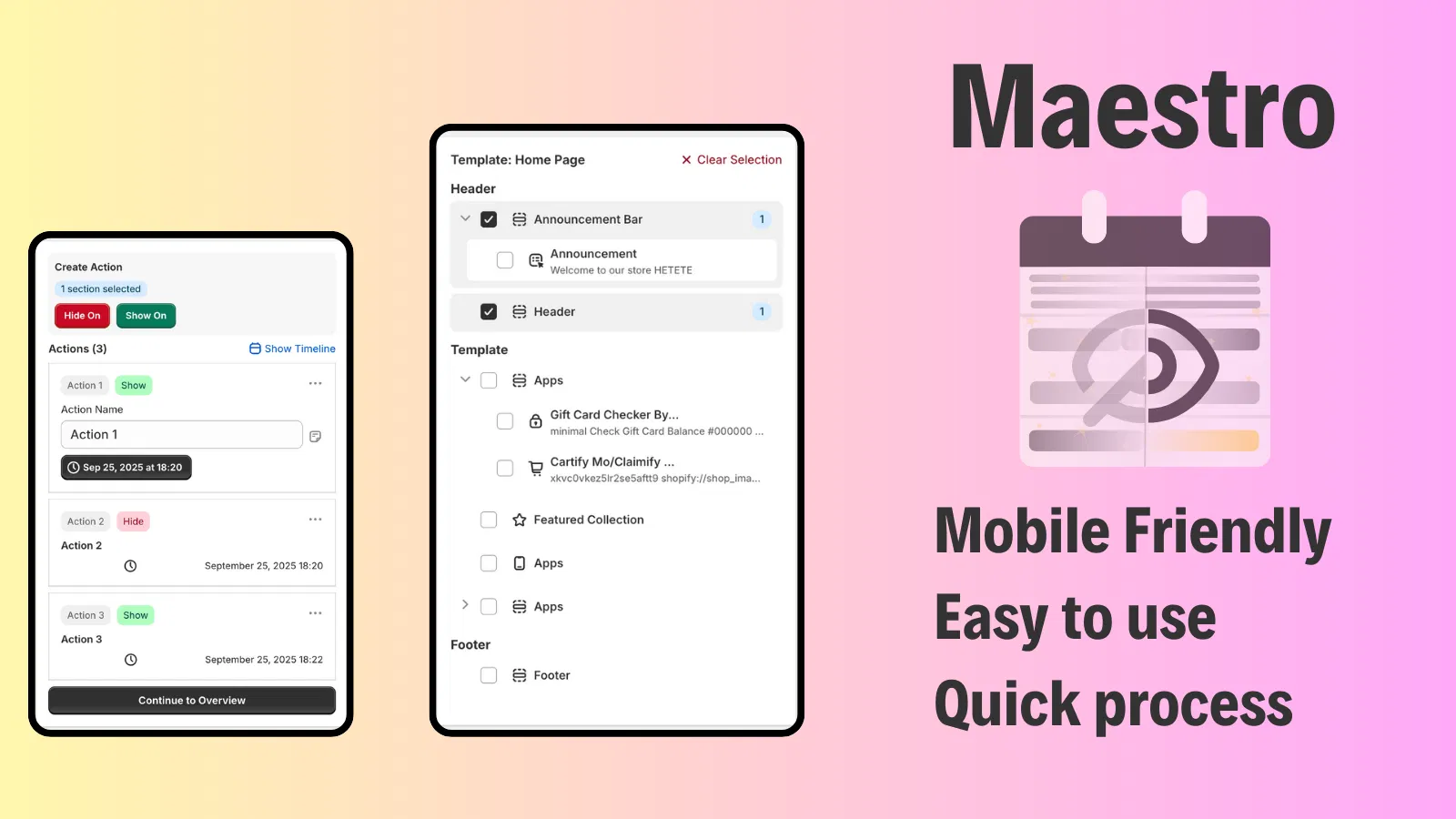
- Sync your promotions. Because the checkout is separate from the theme, you need a way to ensure that your theme-level promotions match your checkout-level logic. Using the Maestro Theme Scheduler allows you to time your theme updates (like sales banners) to align perfectly with your checkout customizations.
- Focus on long-term maintenance. Since extensions are app-based, they are easier to update without fear of breaking the core checkout logic during a Shopify platform update.
https://cdn.marblism.com/FhnfR-TP-YL.webp

Mistake #7: Underestimating the Cost of Custom Logic
In the old system, if you wanted a custom field for a "VAT Number" or a "Gift Message," you just wrote some code. In the new ecosystem, these often require specific Shopify Functions or third-party apps that may carry monthly costs or transaction fees.
Many merchants are surprised to find that building a custom B2B validation logic now involves a monthly app fee or a sophisticated custom function implementation. Failing to account for these costs in the initial project scope can lead to budget overruns.
How to Fix It
- Map out your "Must-Haves" vs "Nice-to-Haves." Prioritize business-critical features like B2B tax ID fields or specific shipping restrictions.
- Evaluate off-the-shelf vs. custom. Before building a custom function, check if there is an existing app that solves the problem. Often, the monthly fee for an app is significantly lower than the cost of maintaining custom code.
- Leverage B2B features. If you are running a wholesale operation, investigate Shopify’s B2B and wholesale channels to see which features are native before building custom extensions.
Building a Future-Proof Checkout
Transitioning to Shopify Checkout Extensibility is a vital step for any merchant looking to scale. While the constraints may feel restrictive at first, they are designed to protect your most valuable asset: your conversion rate. By avoiding these common mistakes, you can build a checkout experience that is faster, more secure, and significantly more reliable than the legacy liquid system.
At XCO Agency, we specialize in helping merchants navigate these technical waters. Whether you need a full migration, custom UI extensions, or a strategic audit of your checkout performance, we are here to help.
Ready to optimize your checkout without the headaches?
Book a meeting with our Shopify experts today to discuss your migration strategy and ensure your store is ready for the future of e-commerce. Or, explore our suite of apps like Product Maestro Scheduler to see how automation can further streamline your operations. Taking a proactive step now will save your brand from the "Additional Scripts" graveyard and set you up for long-term success.